Choose your input device
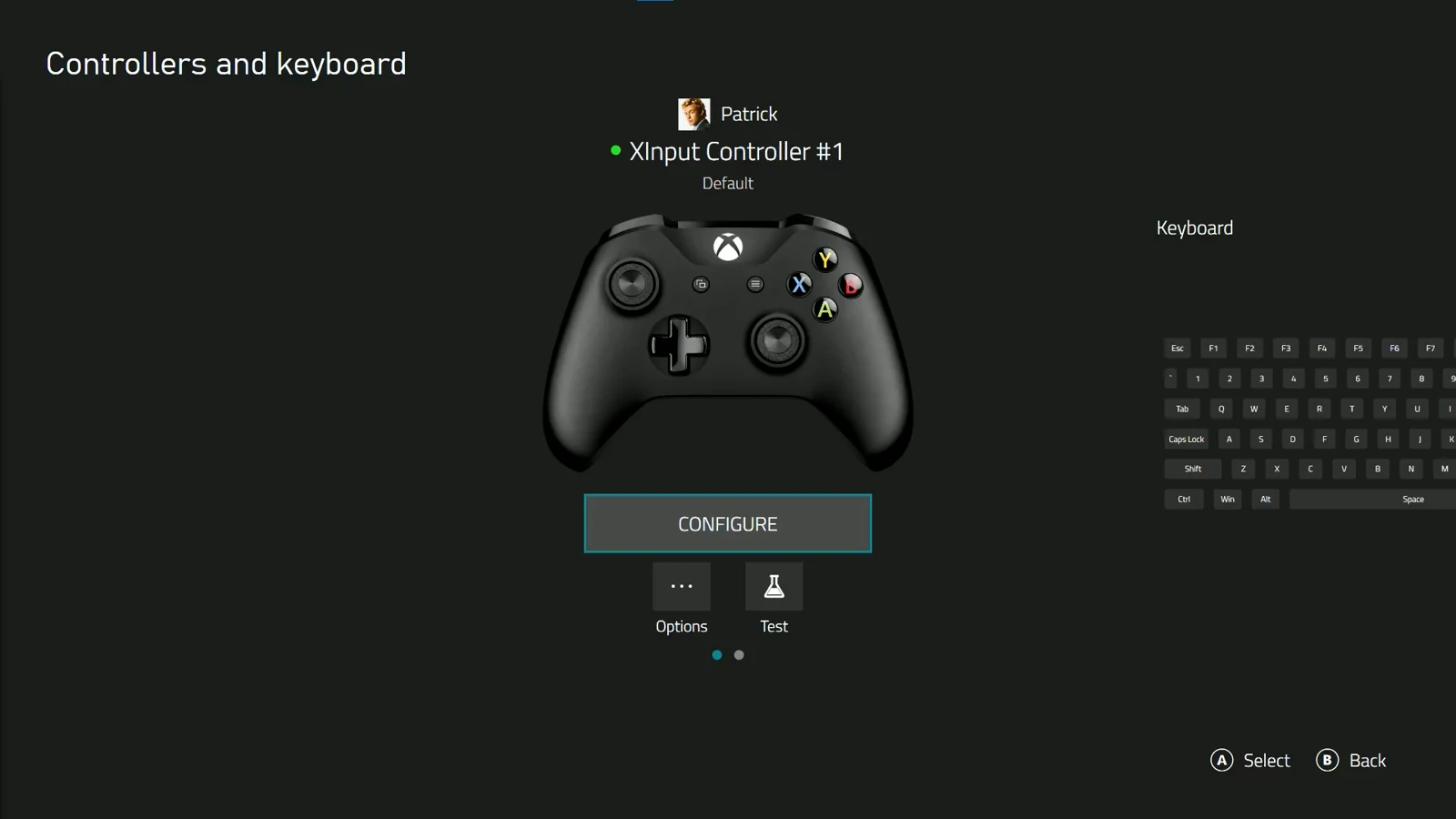
Select a connected controller or the keyboard to access its configuration.
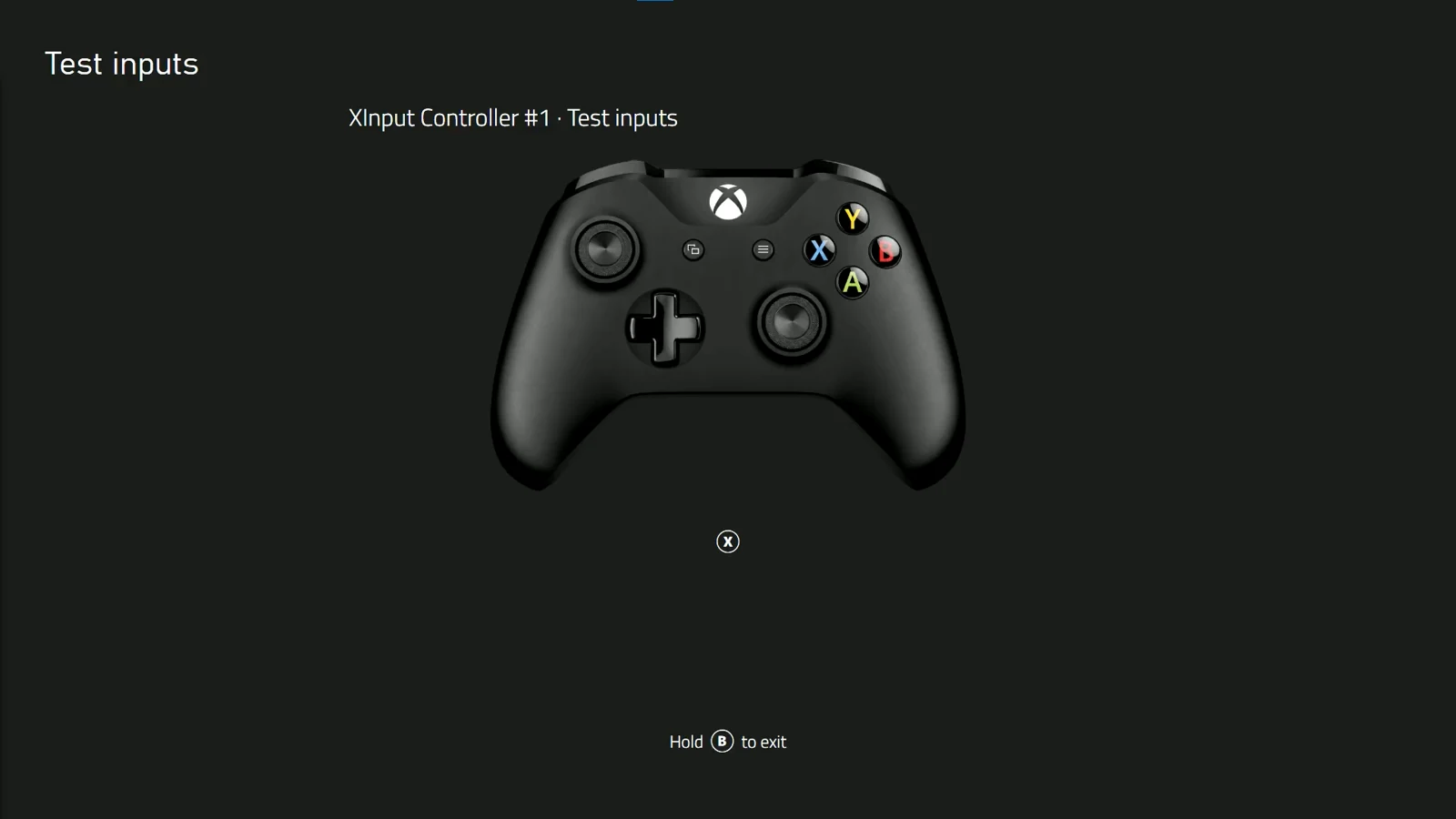
Check every button
Test the controller inputs and see which button is being pressed.
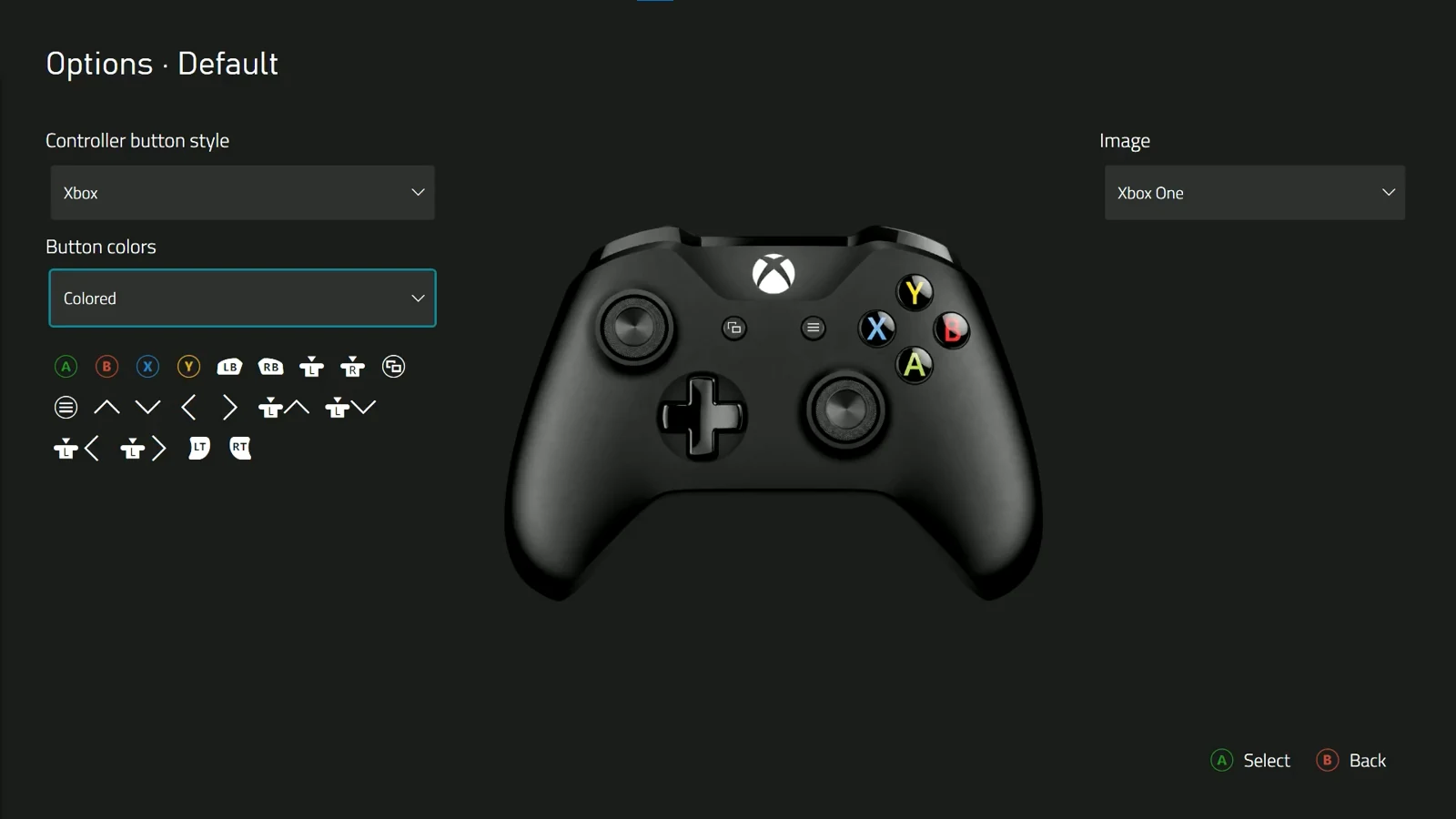
Choose your button style
Adjust the button icons and controller image to match your preferred presentation.
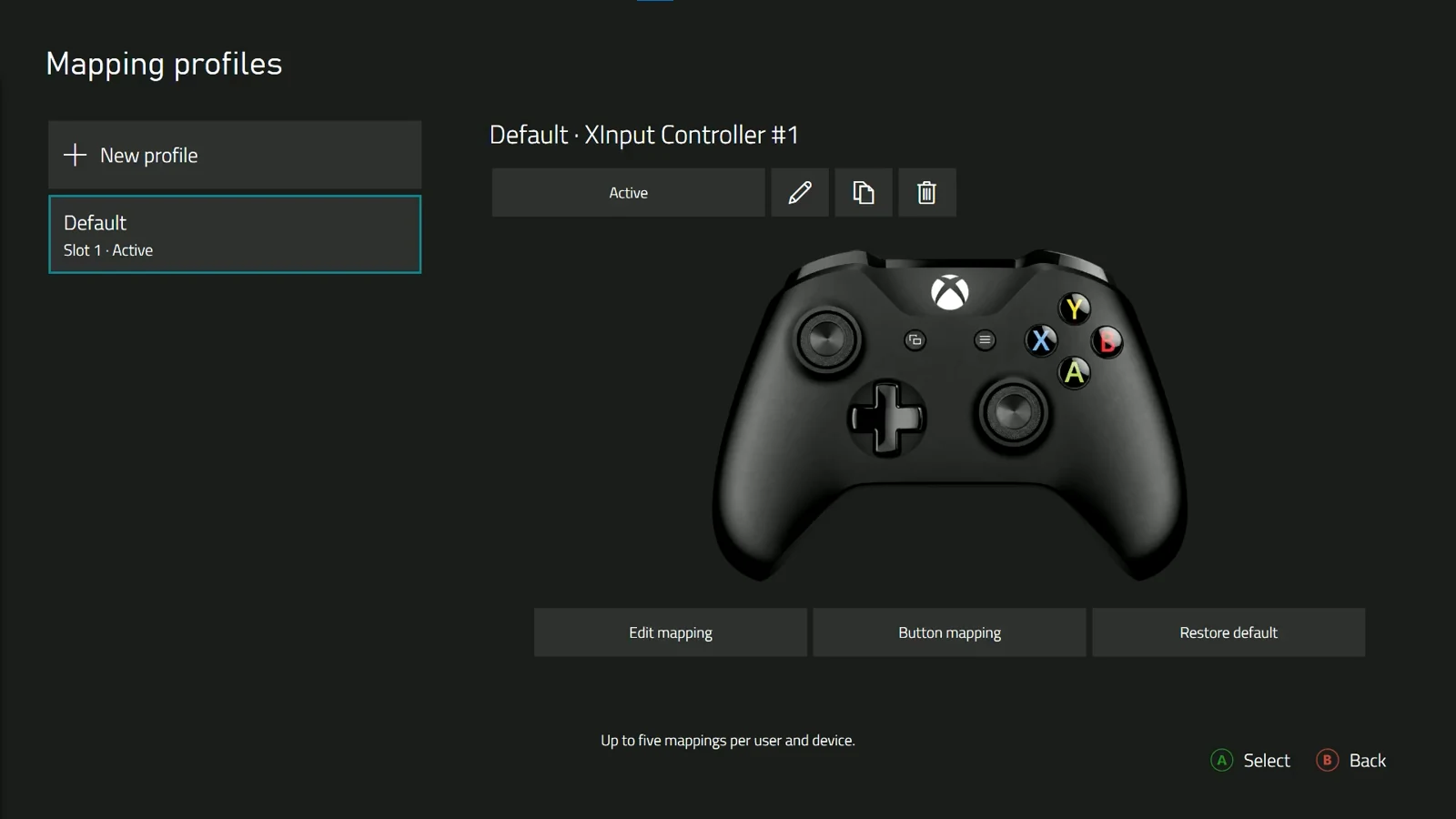
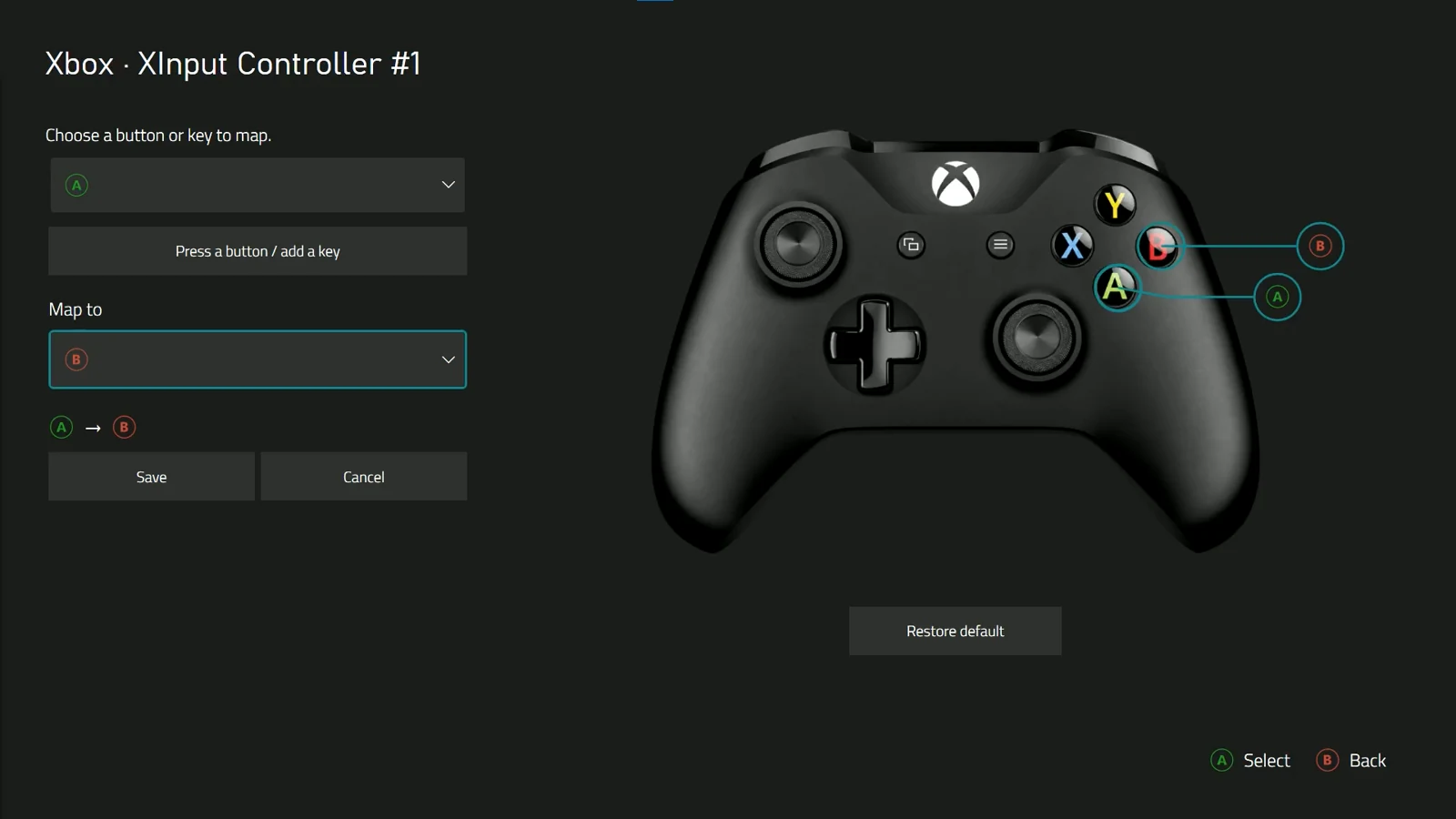
Make the controls yours
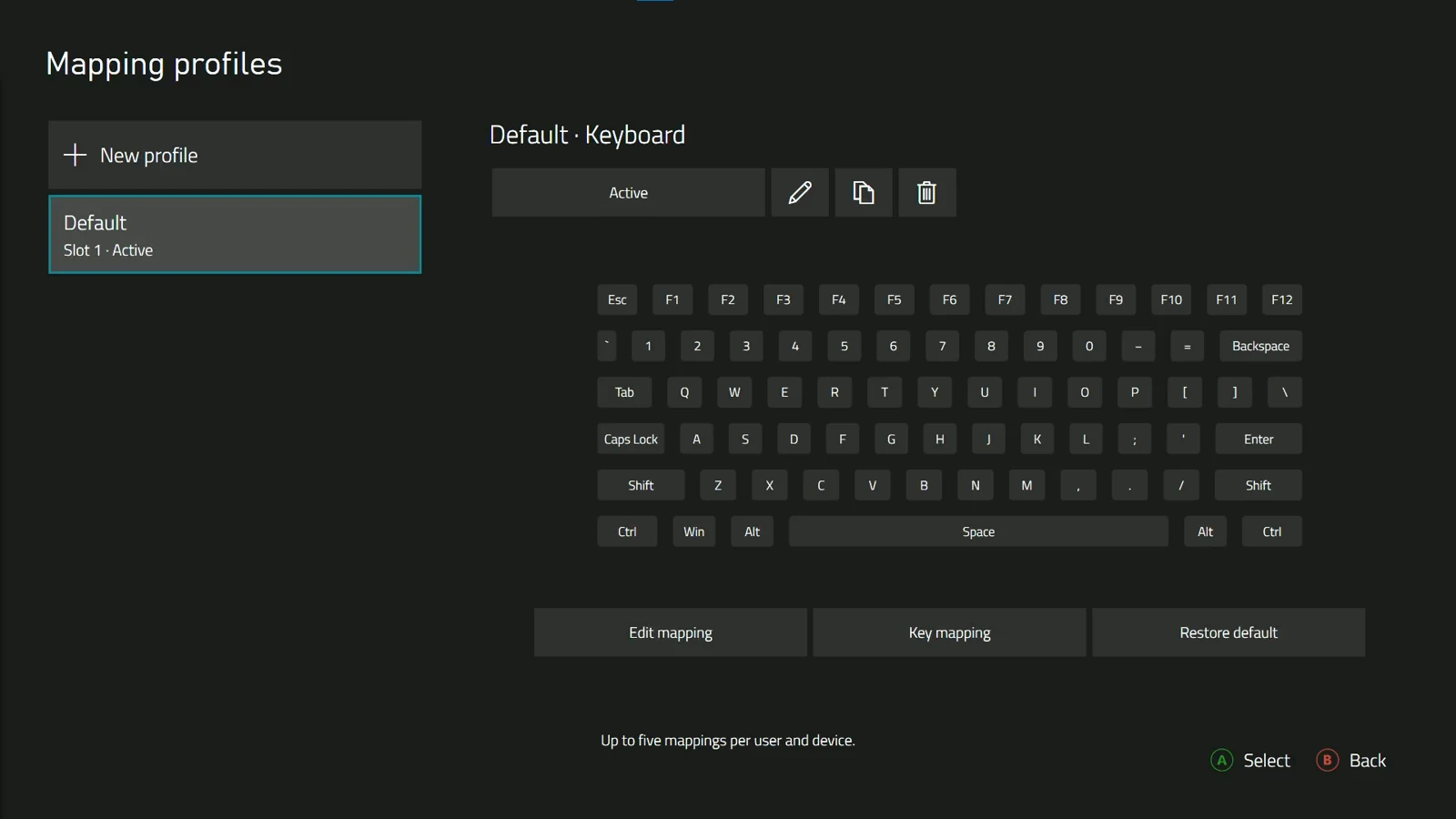
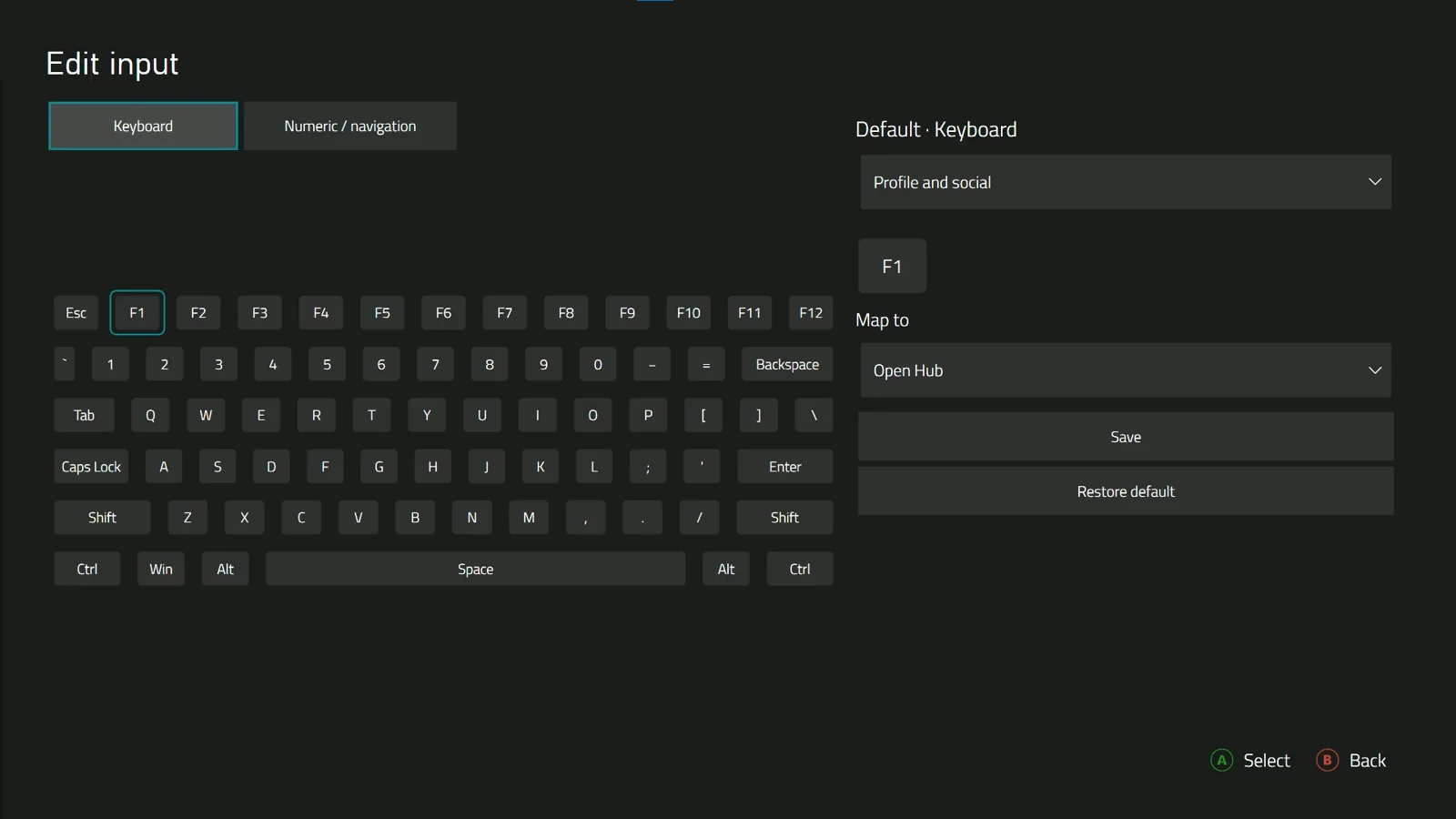
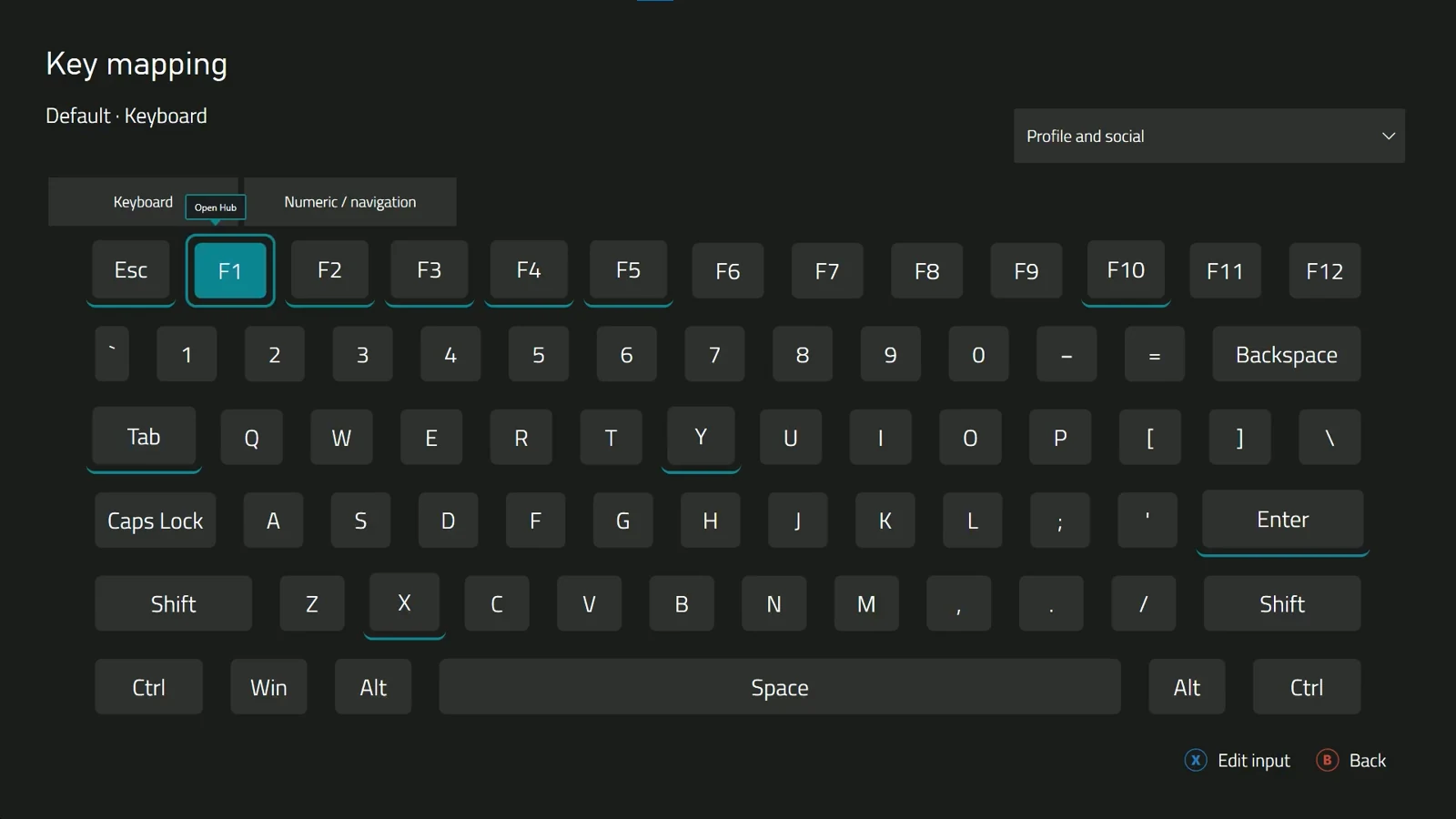
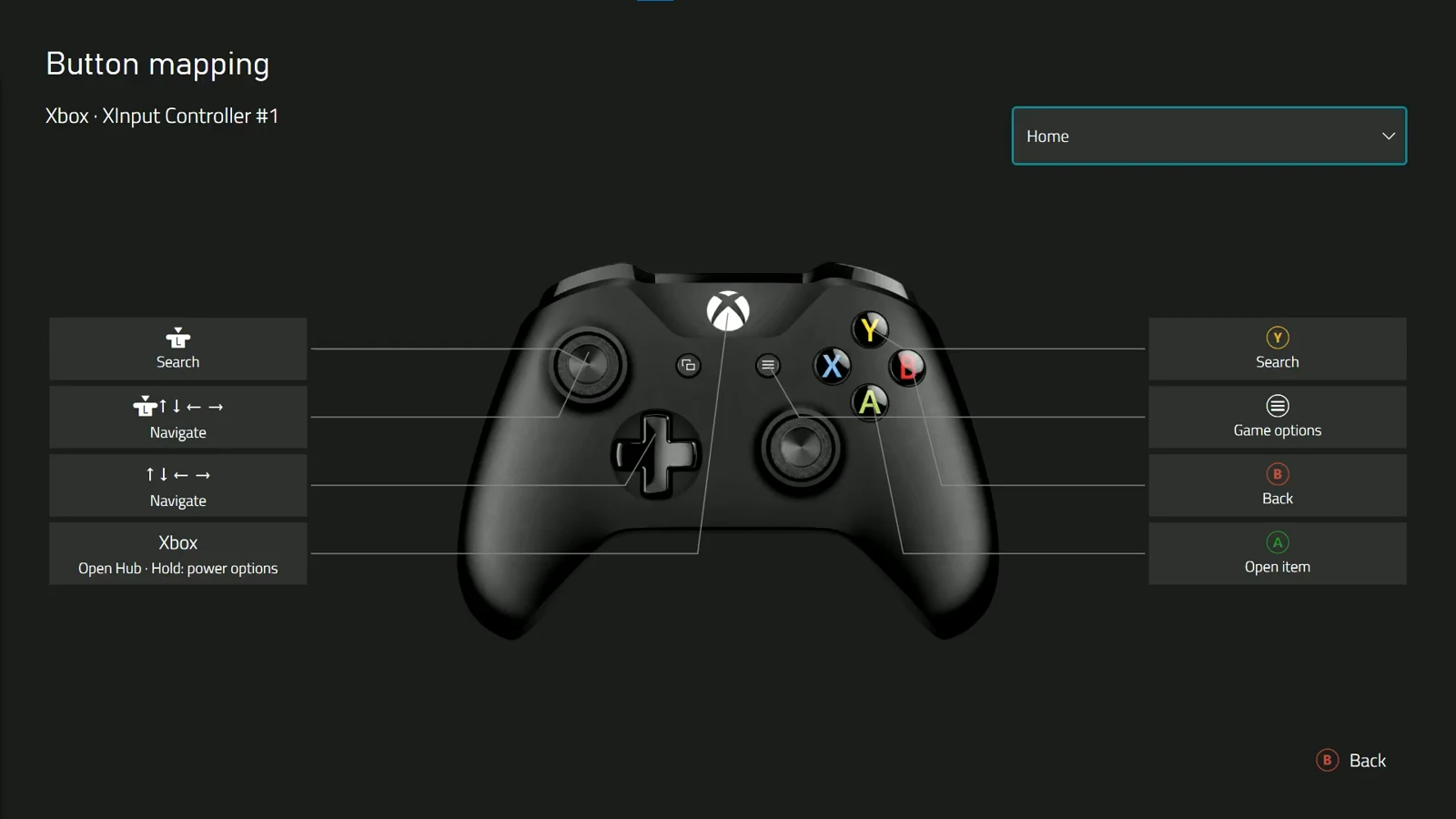
Manage mapping profiles, choose an action for a button and consult the assignments for each context.
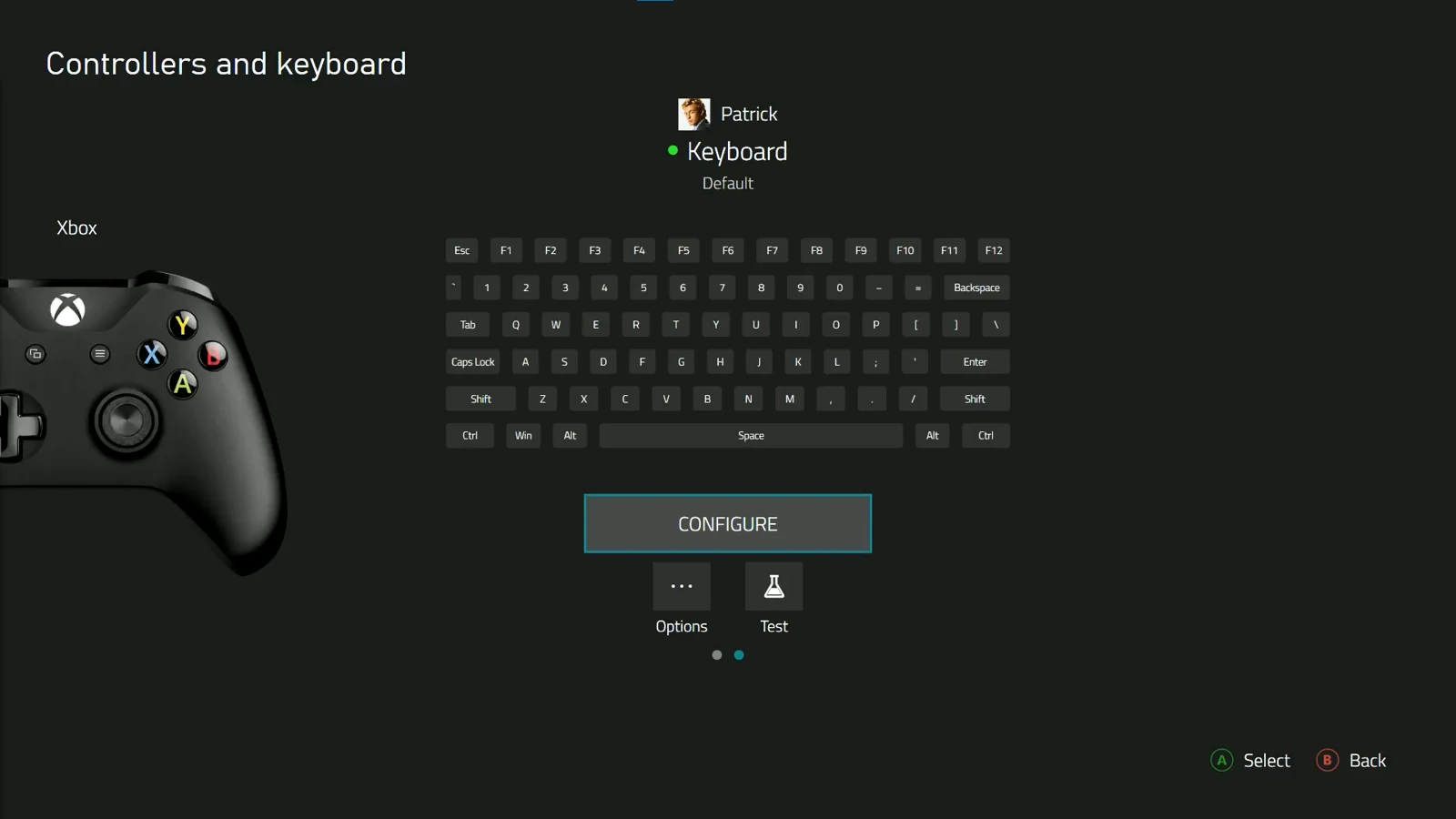
Use your keyboard too
Select the keyboard to access its configuration and shortcuts.
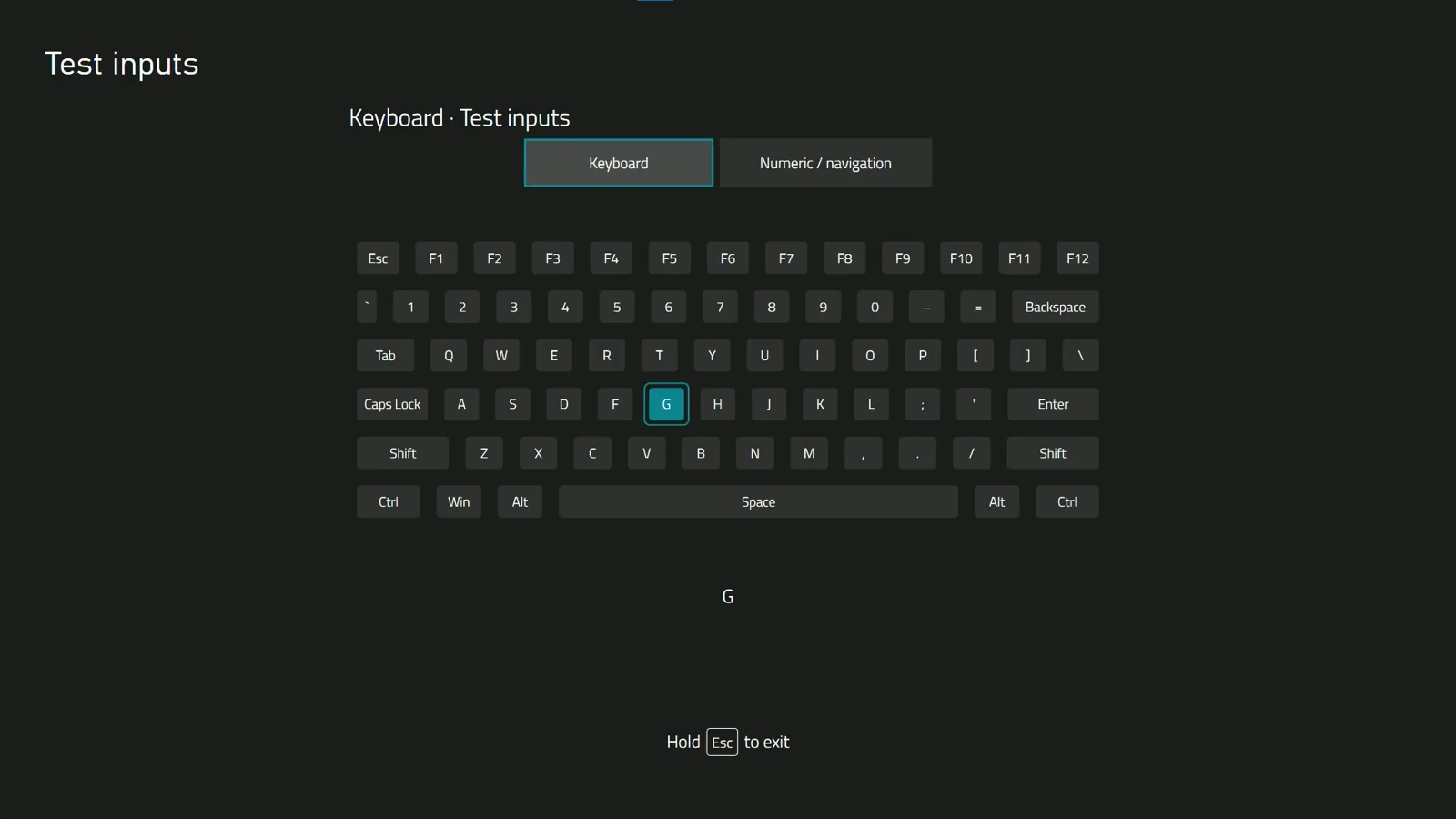
Test your keys
Press a key to see it highlighted. Switch between the keyboard and numeric/navigation views.
Assign the shortcuts you use
Choose a mapping profile, edit the action assigned to a key and consult the shortcuts for the selected context.