Choose who is playing
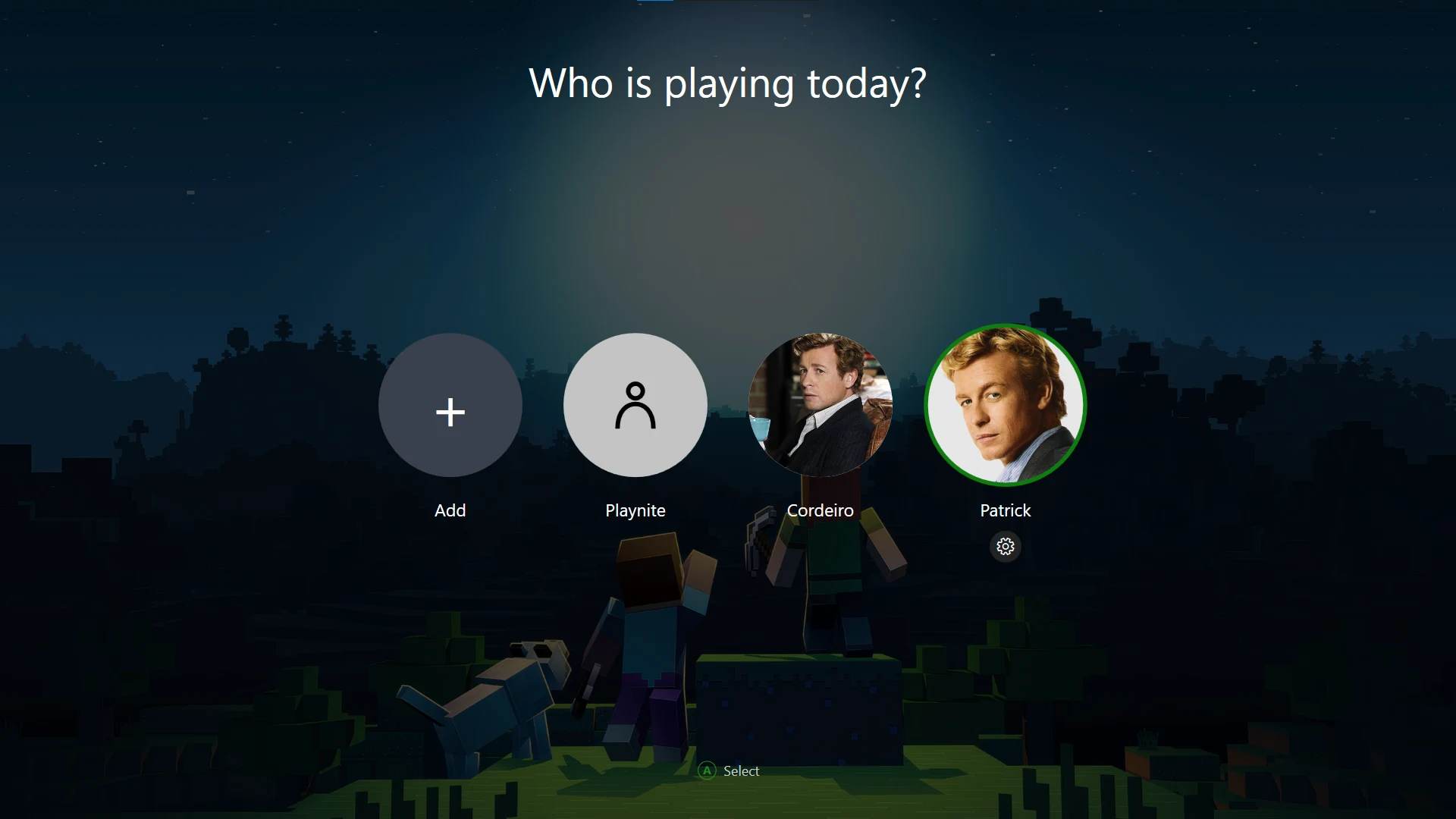
Open the profile selector and choose a profile. Your Home, favorites, pinned games and groups follow the selected profile.
Get to know your profile
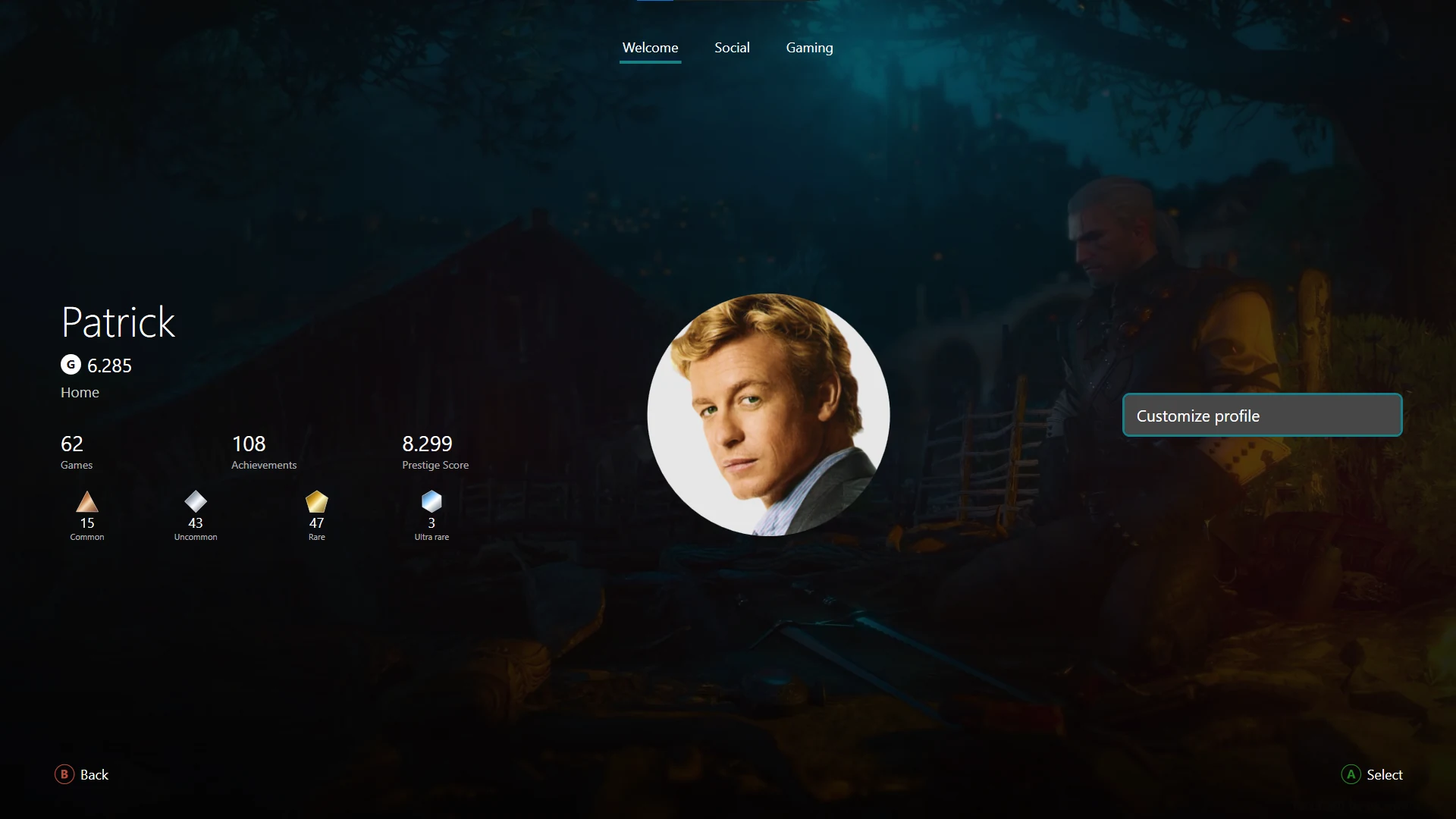
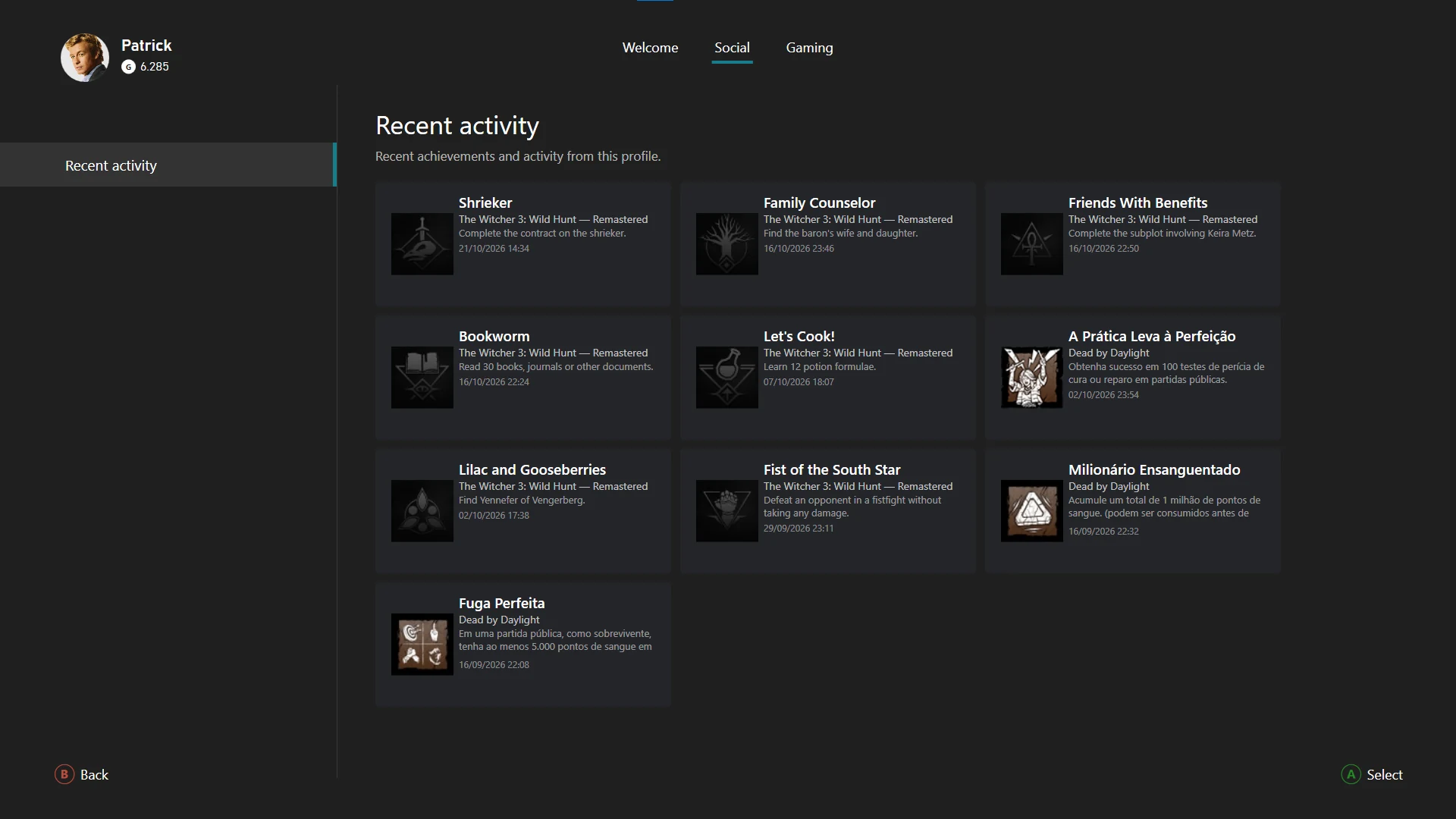
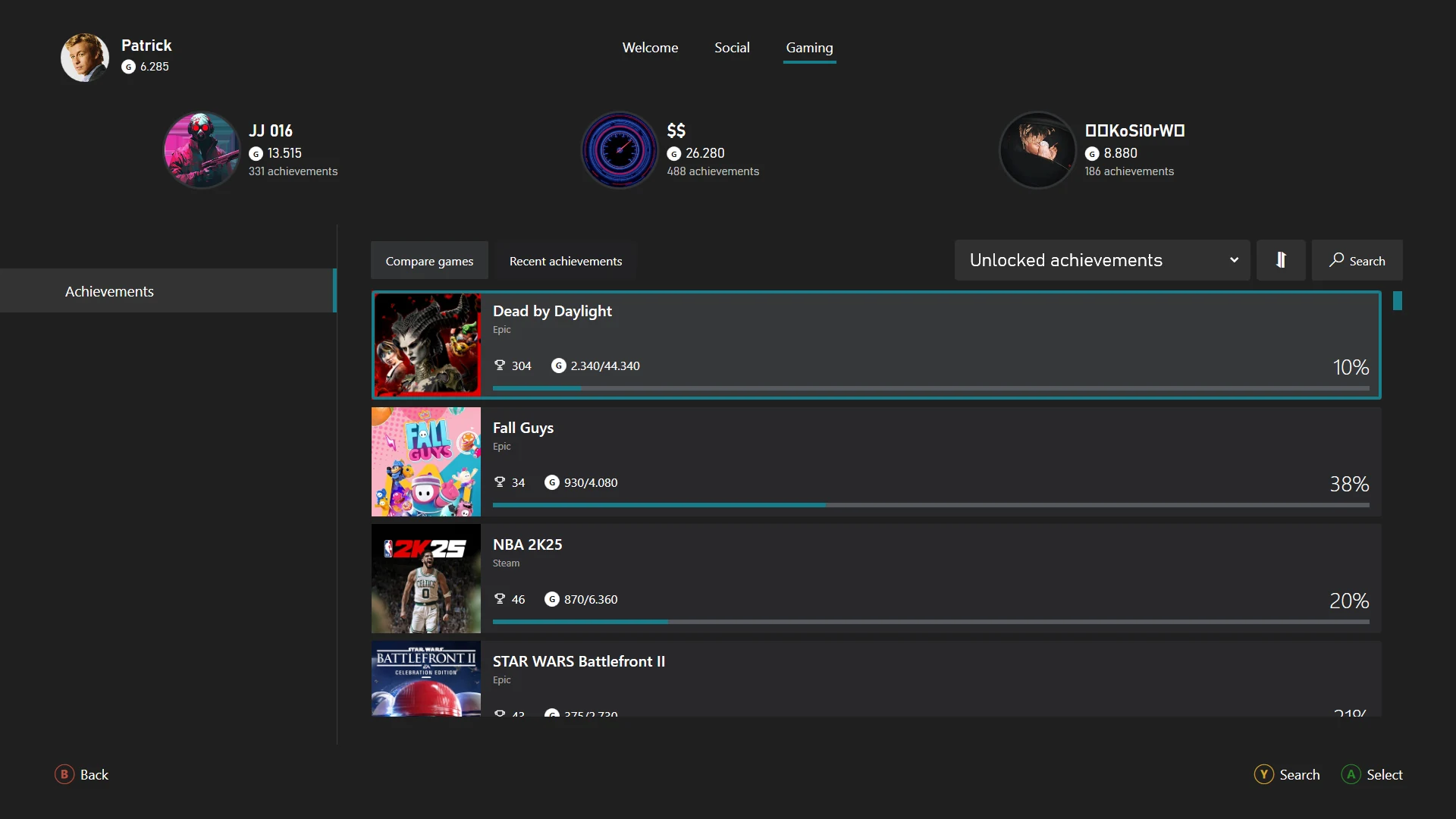
Welcome brings together your profile overview. Social shows recent activity; Gaming lets you explore games and achievements, compare progress and search the current list.
Make it yours
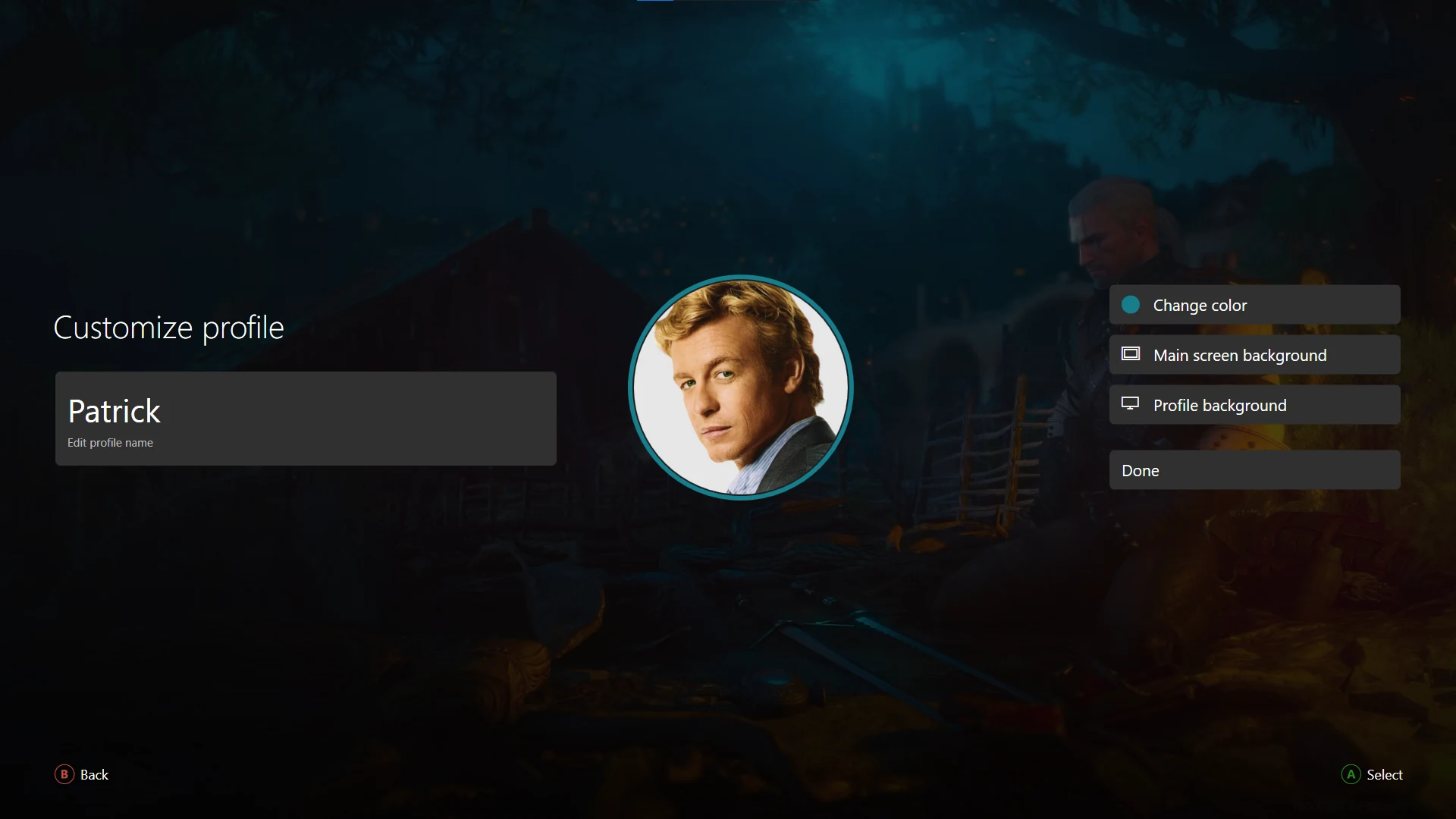
Open Customize profile to change your name, avatar, color and backgrounds. Choose Done when you finish.
Choose your avatar
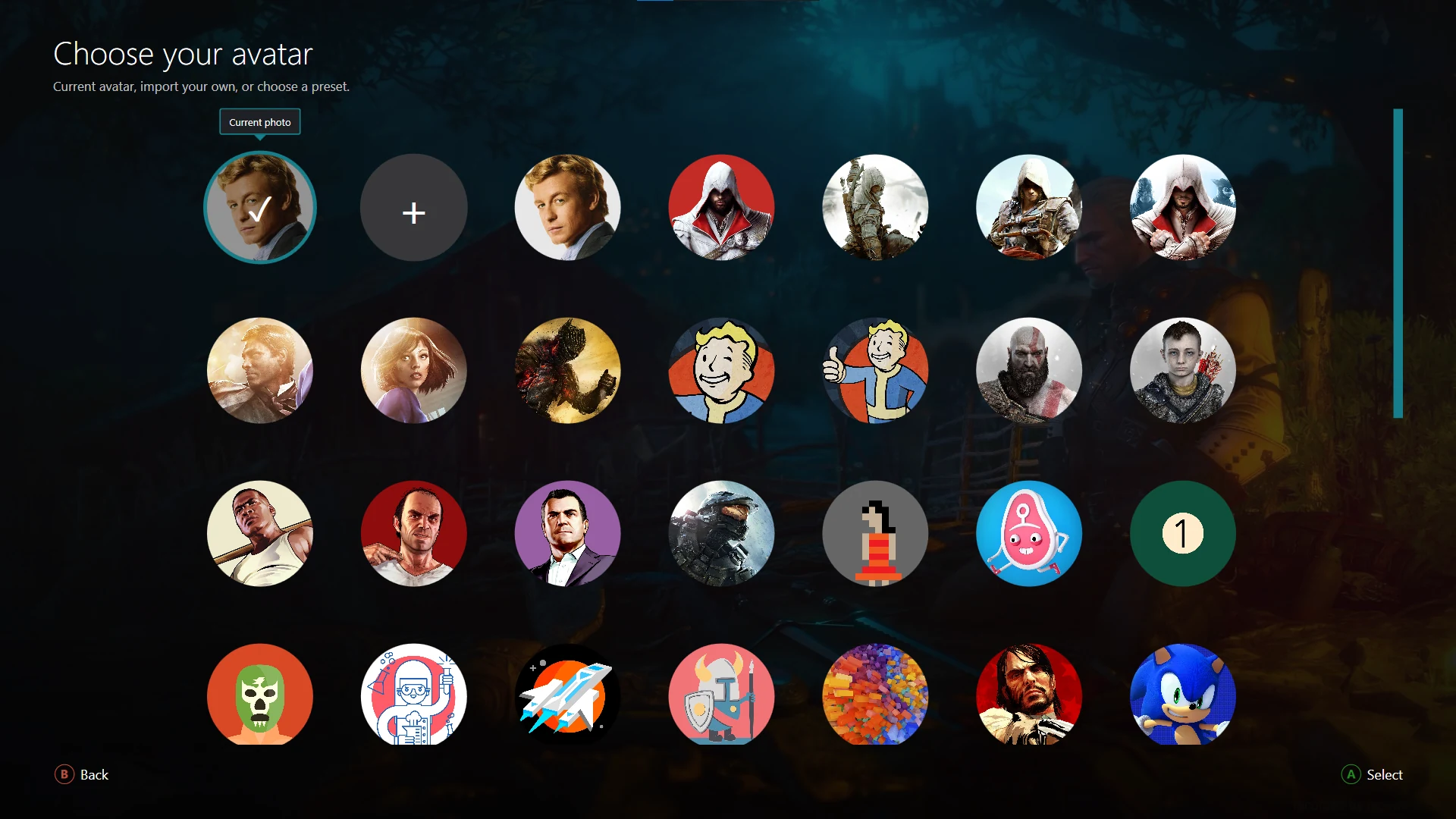
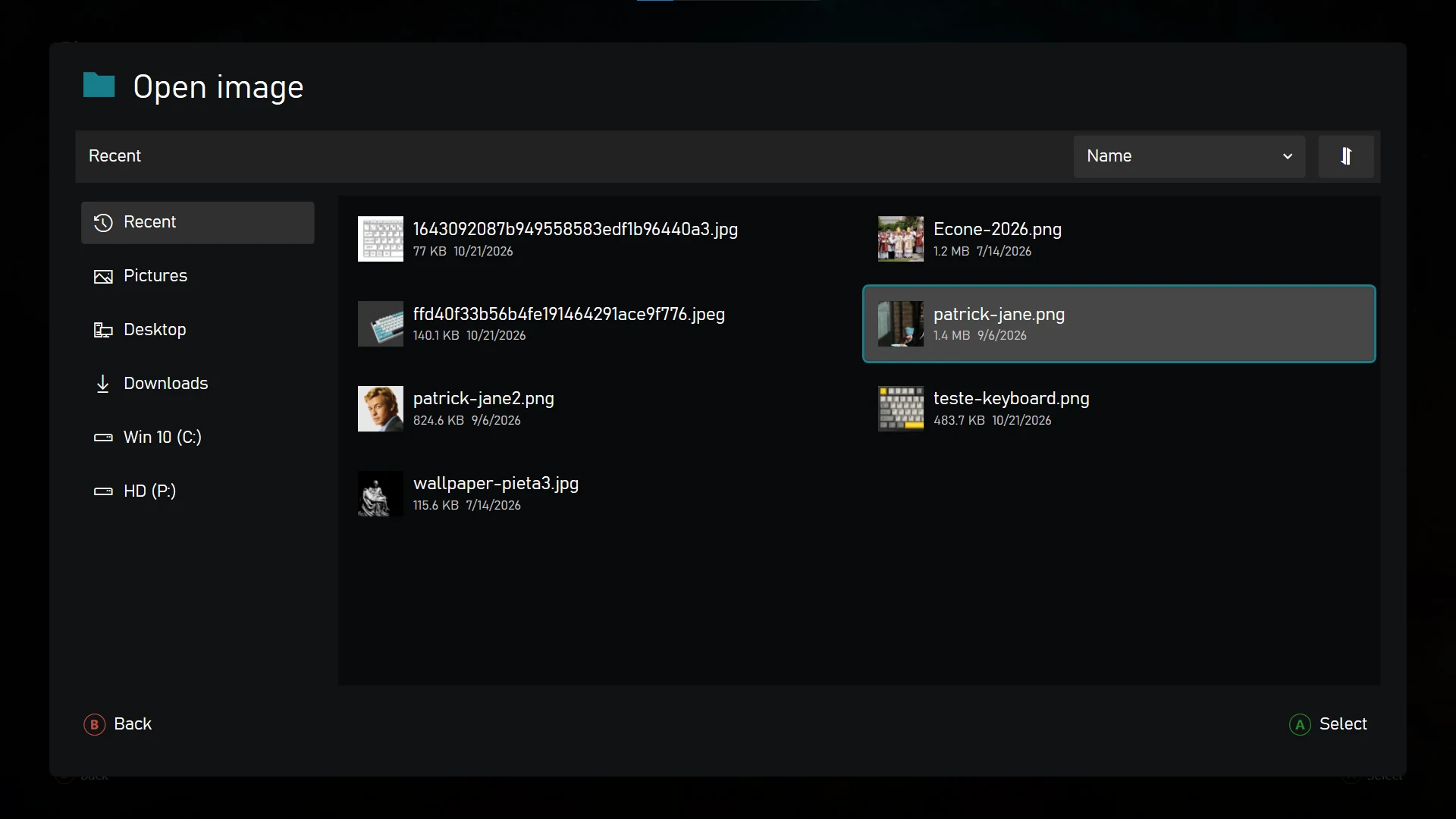
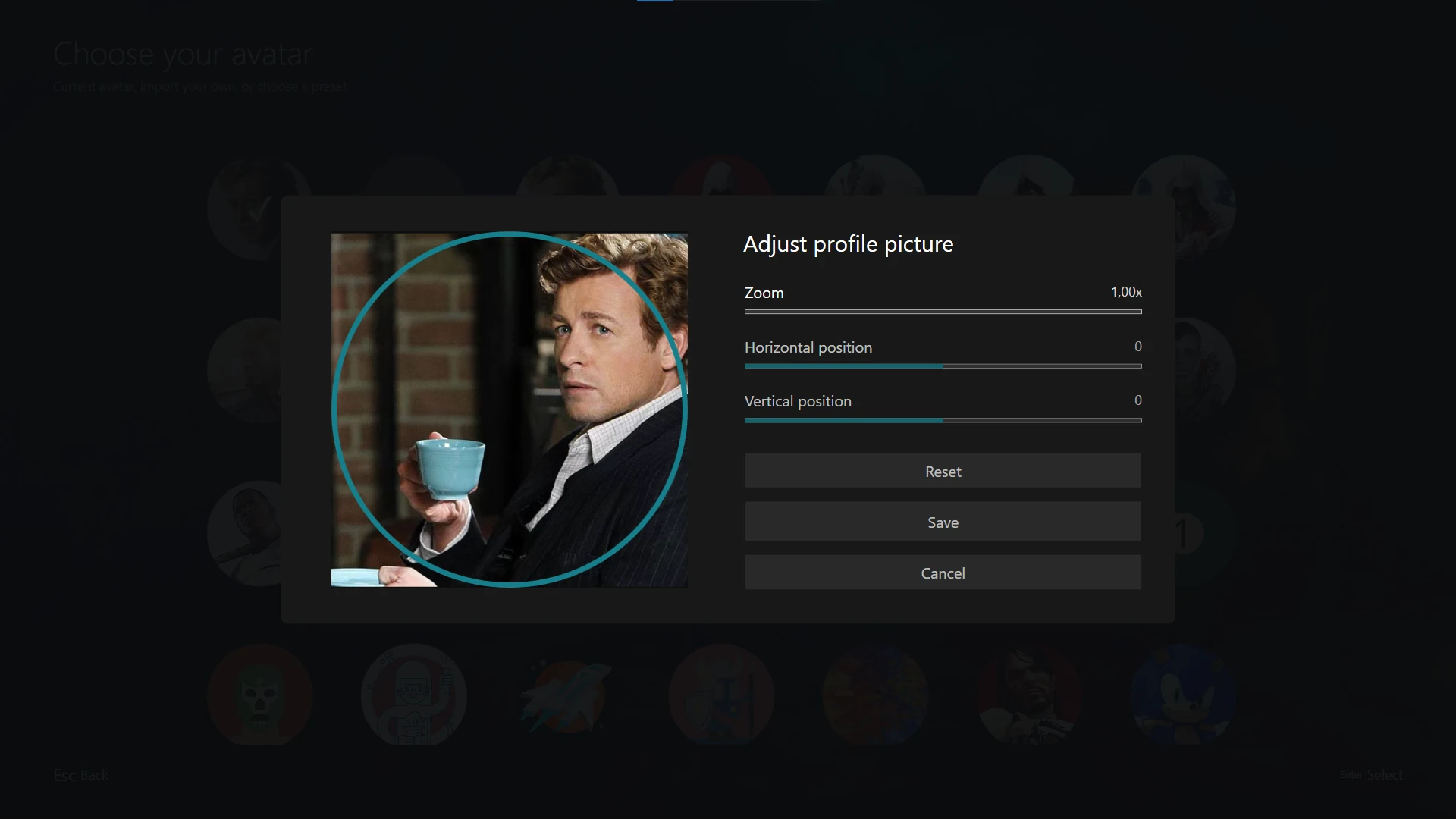
Use a preset or import a photo. After importing, adjust the framing before saving. You can edit an imported image again when Edit is available.
Find your color
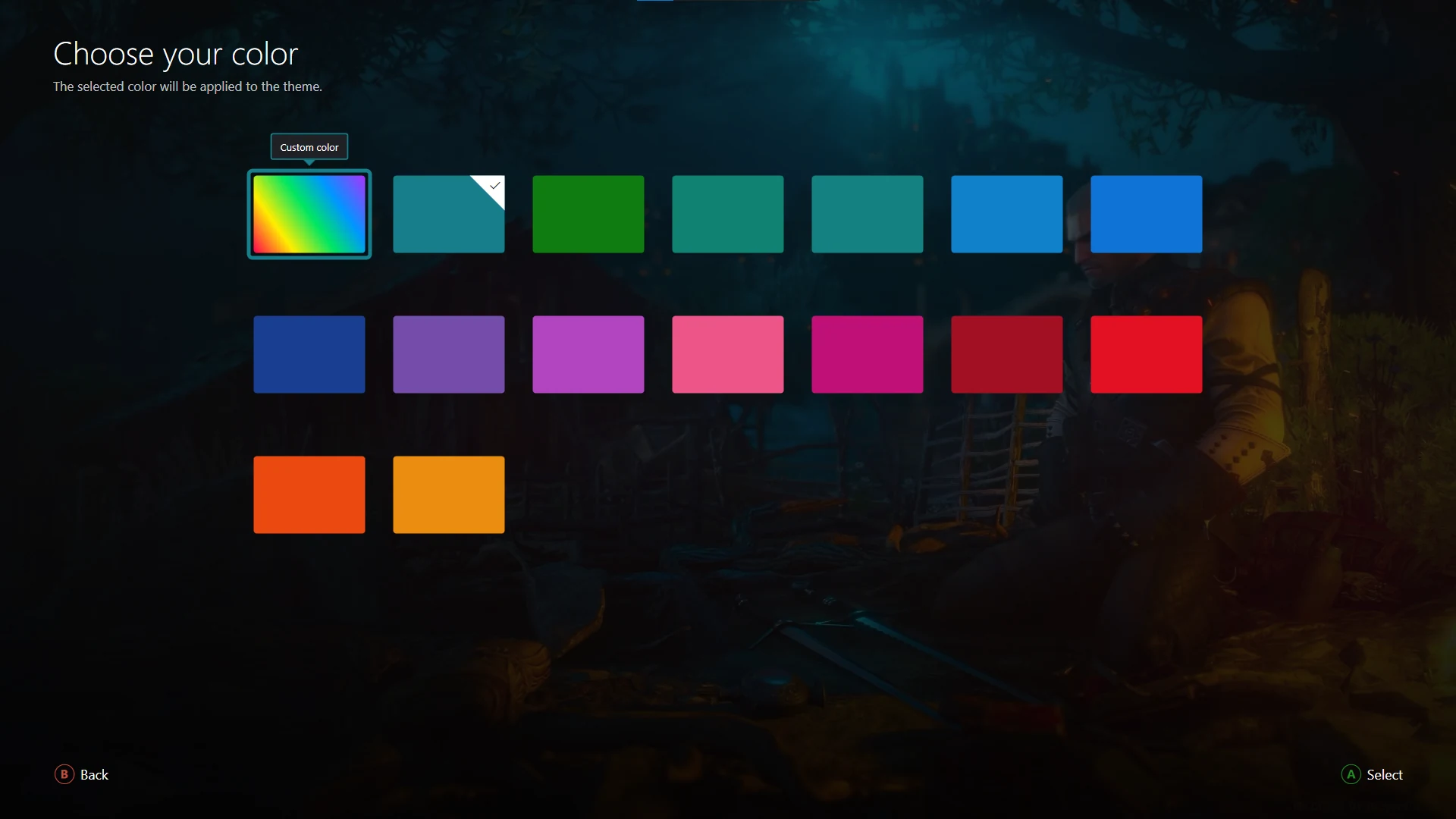
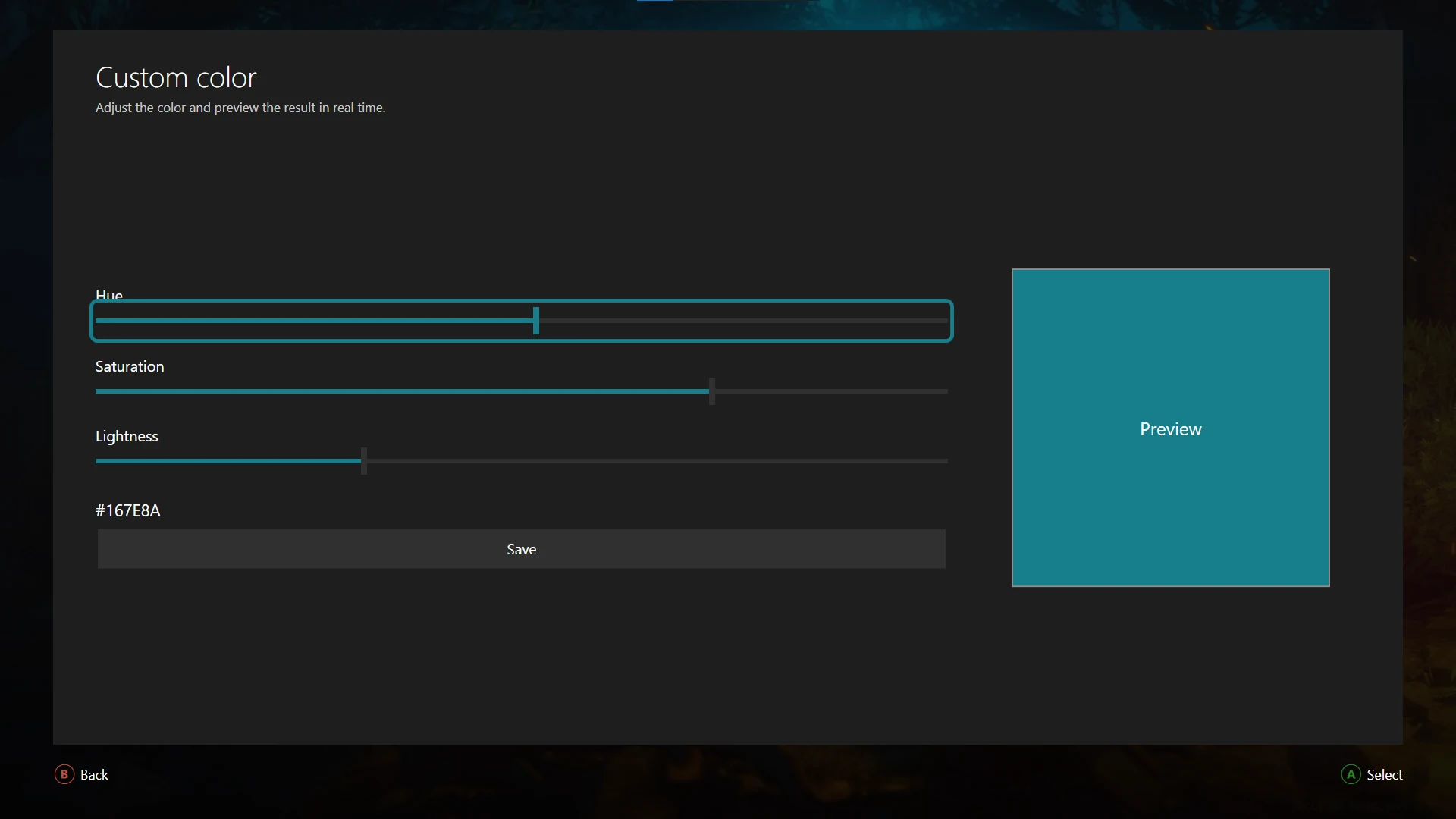
Choose an accent or create a custom color. Adjust hue, saturation and lightness, then save. Use Edit to refine a custom color later.
Two backgrounds, your style
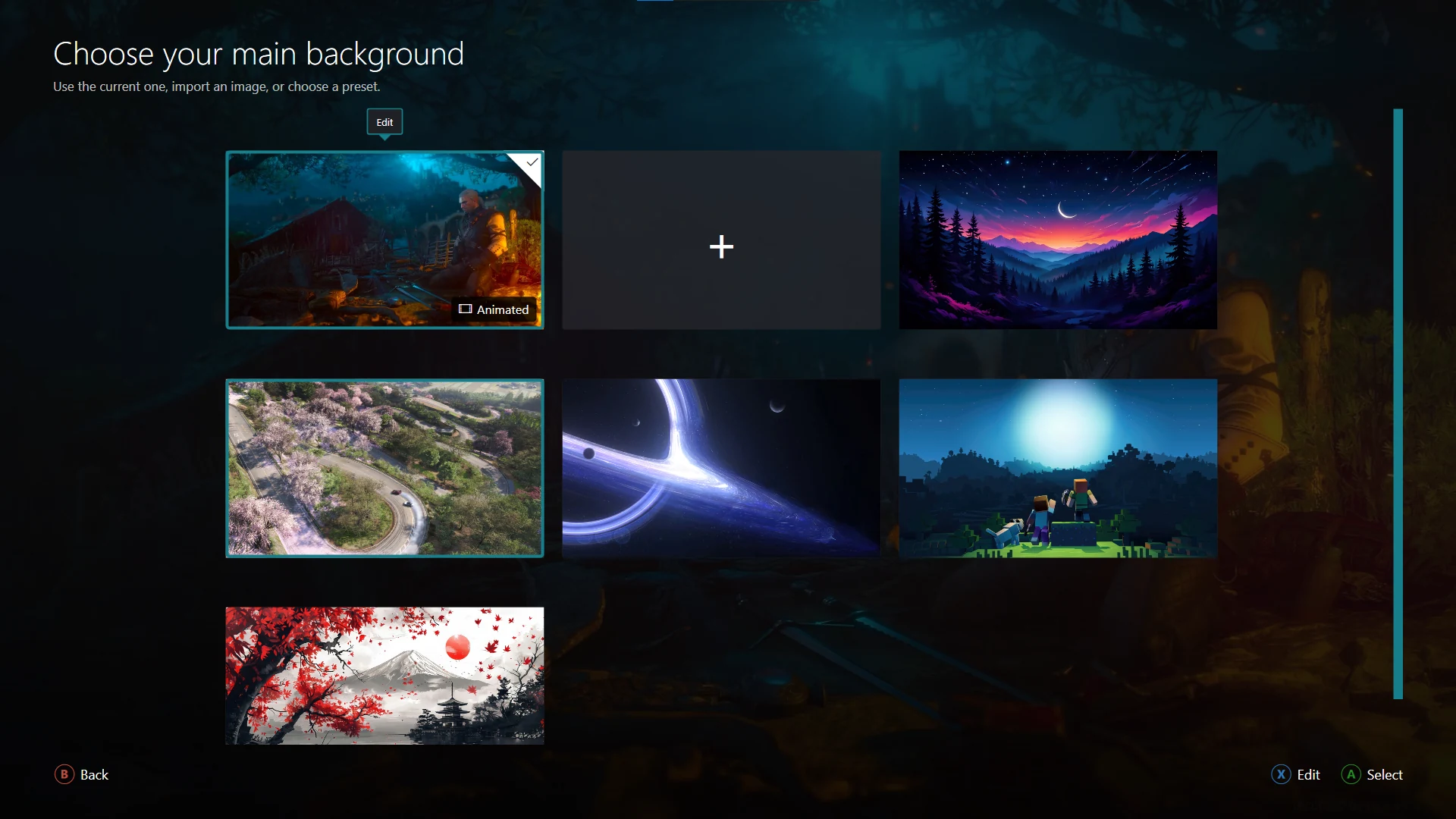
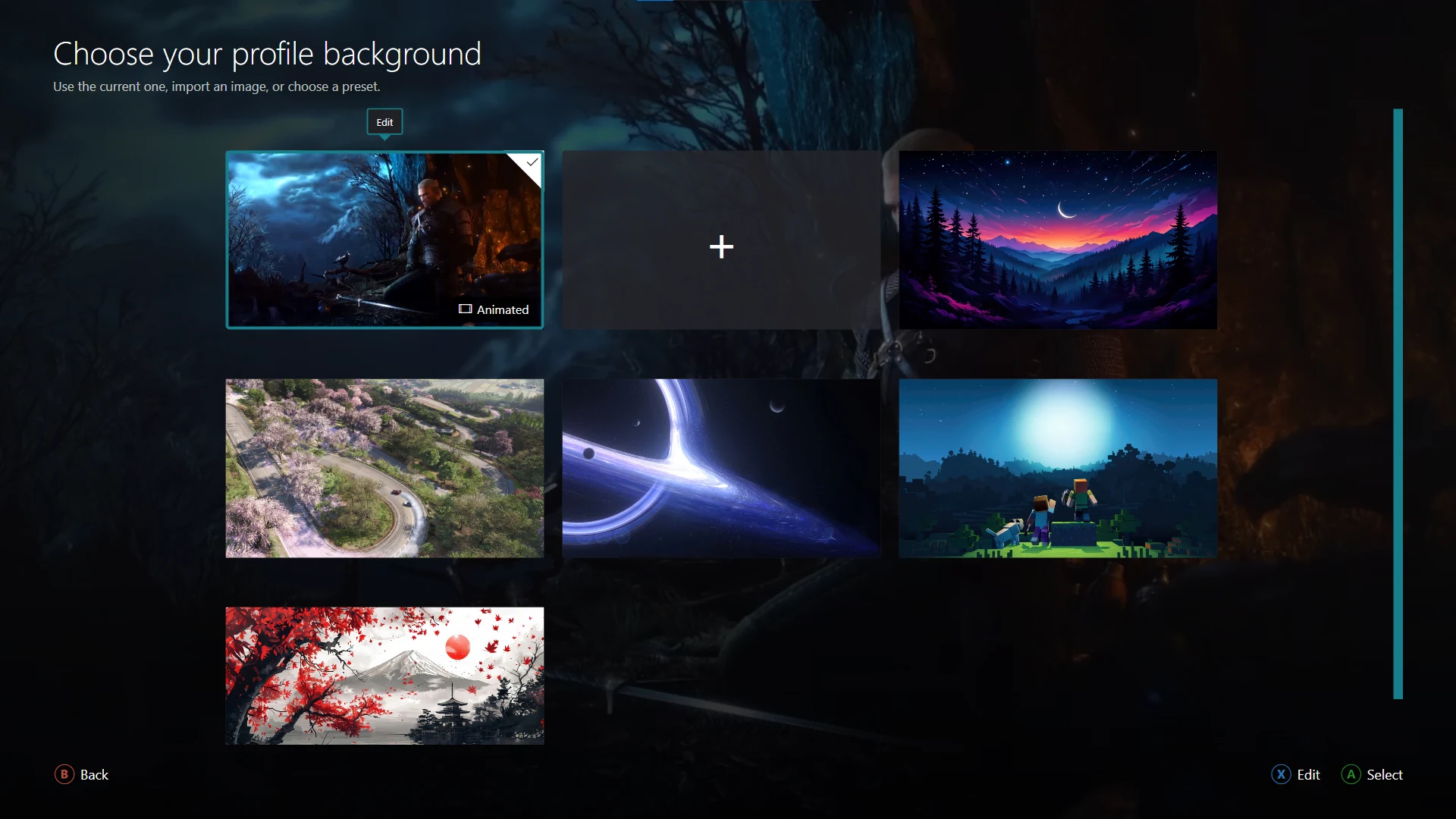
The main background appears on Home; the profile background appears on your profile. Choose a preset or import your own media. Imported items offer editing when available.