
Finish setup
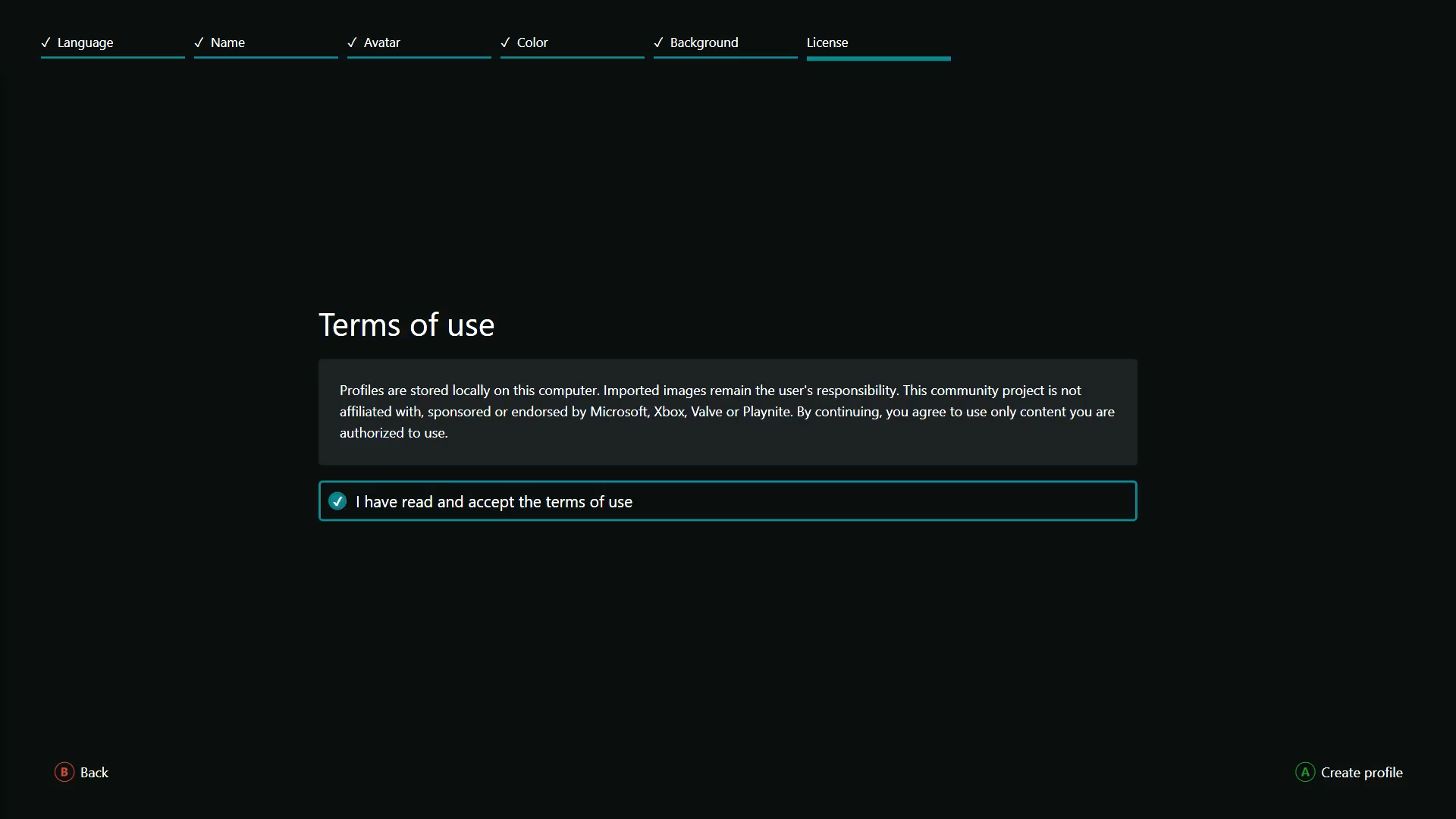
Read the terms of use, mark the acceptance checkbox if you agree, then choose Create profile. After creation, select your new profile to enter Home.
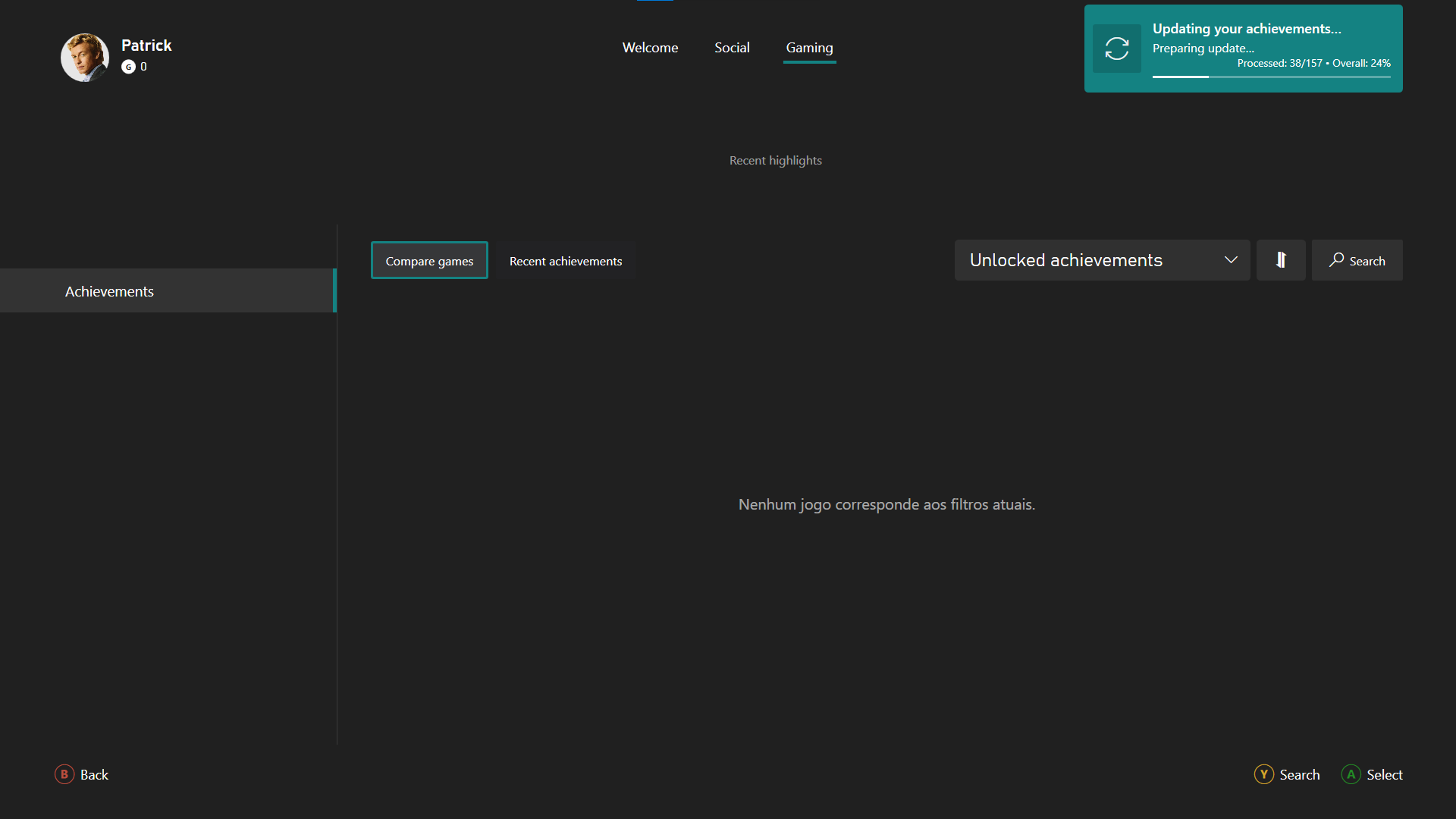
Updating your achievements
After creating and selecting your first profile, X-Nite starts preparing your achievements in the background. Open your profile to follow the indicator at the top right of Welcome, Social and Gaming. The list may be empty while data loads.
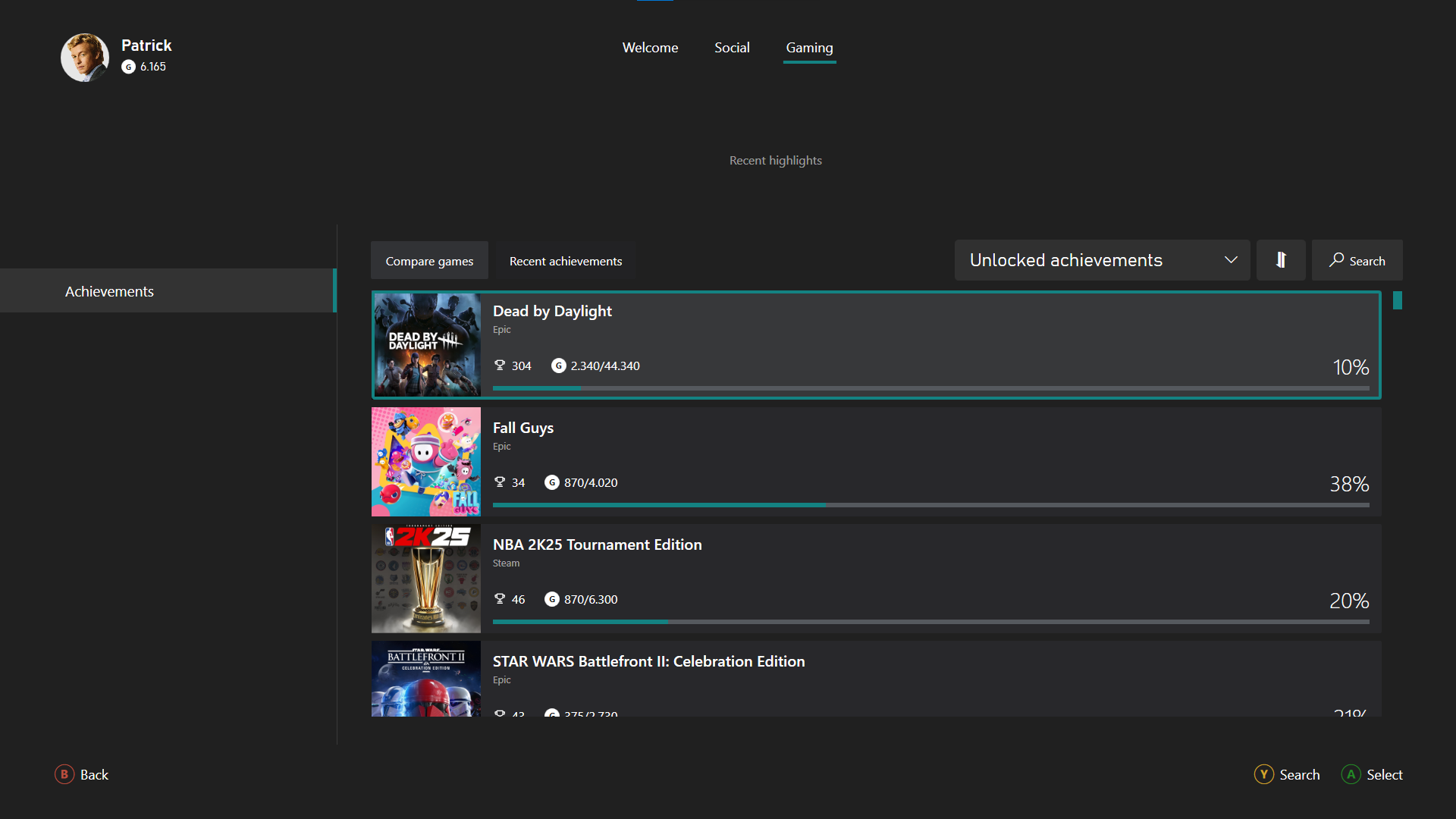
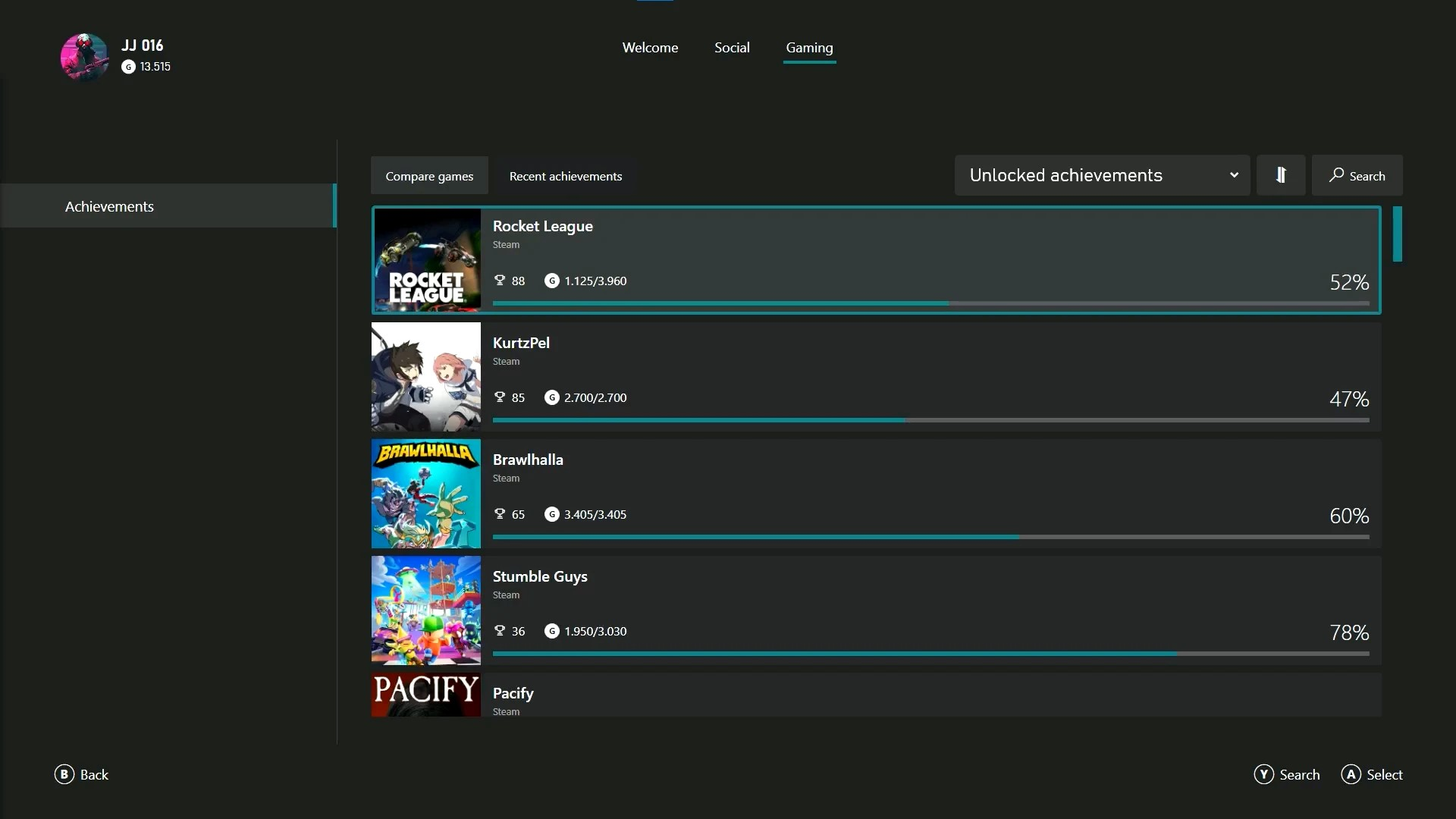
Your achievements are available
As data becomes available, games appear under Gaming. Select a game to view its achievements. The games and numbers in this screenshot are examples from the account used.
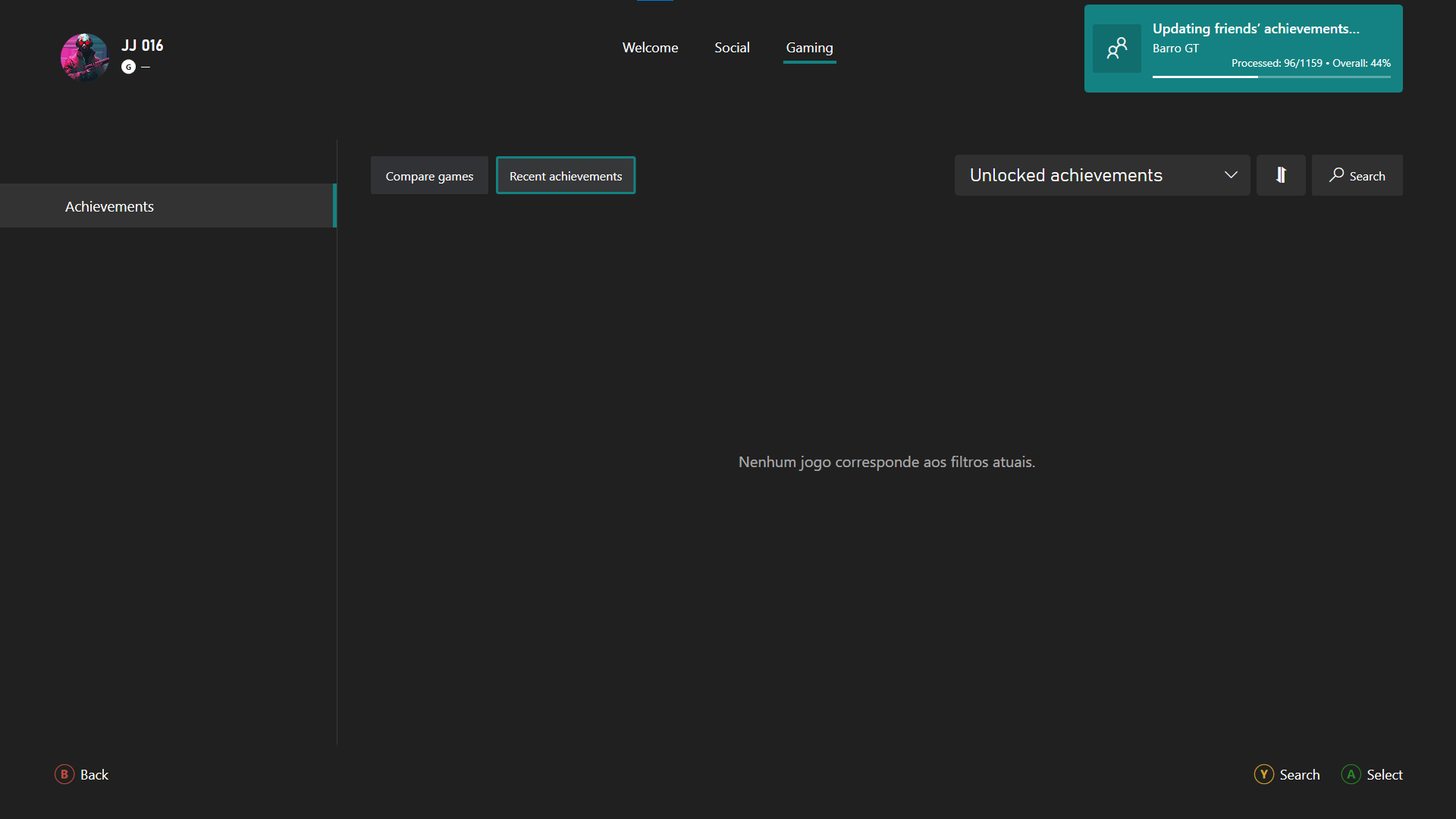
Updating friends’ achievements
After your achievement stage, preparation continues with friends. Open a friend’s full profile to follow the indicator at the top right. This notice appears on the friend’s profile, not your own.
Friend achievements are available
Friend games and achievements appear as Playnite Achievements makes data available. Availability depends on the connected account, privacy and platform responses. You can keep using X-Nite during collection. The indicator appears during initial preparation and manual updates requested in Settings; a full update is not required every time you open Playnite. The count represents processed items, not necessarily successful requests.