
3 / 20
Install the integrations
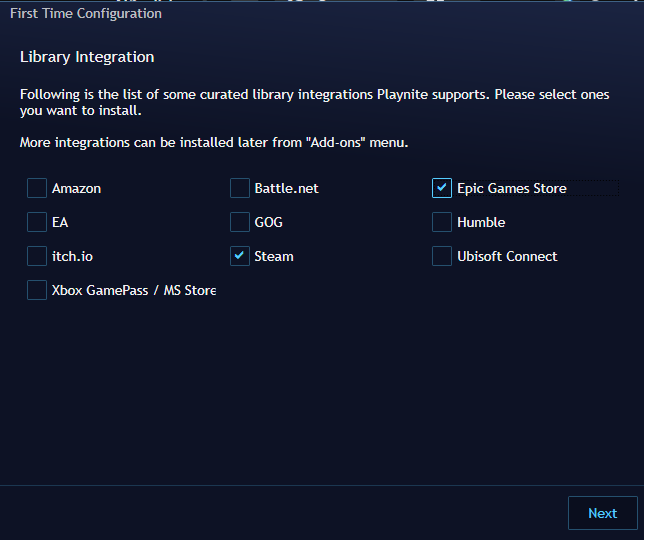
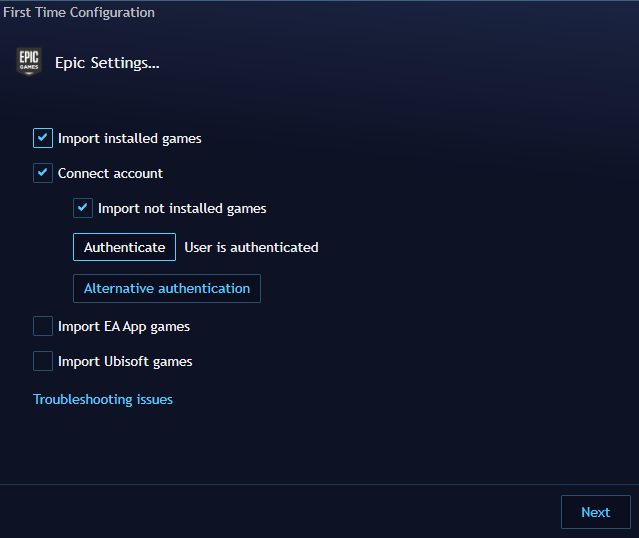
During initial setup, choose the libraries you use. These integrations import games from your accounts into Playnite.
Sign in to the selected libraries and finish importing. Use your own accounts; you do not need every store shown.
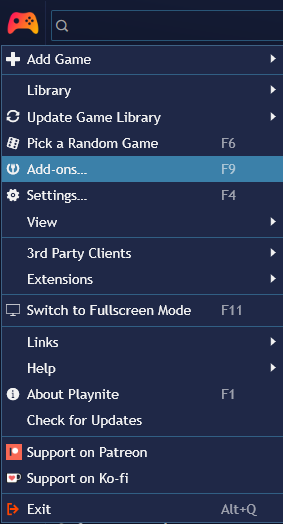
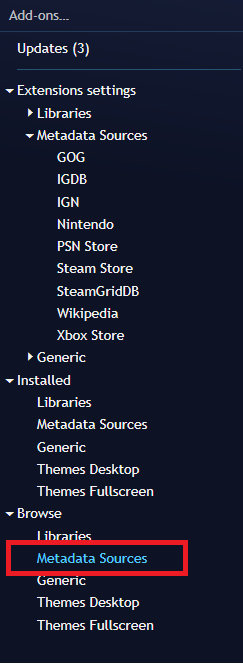
In Desktop mode, open Menu > Add-ons (F9).
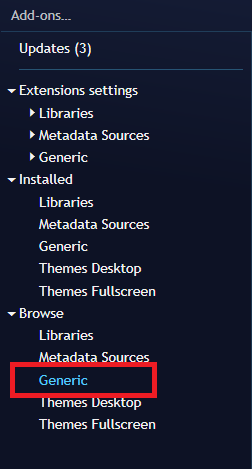
Open Browse > Generic to find extensions that add features to Playnite.
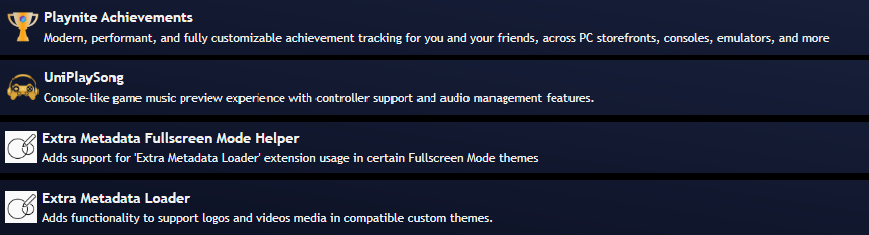
Install Playnite Achievements, Extra Metadata Loader and Extra Metadata Fullscreen Mode Helper. Also install UniPlaySong if you want the Spotify music setup. Restart when requested.
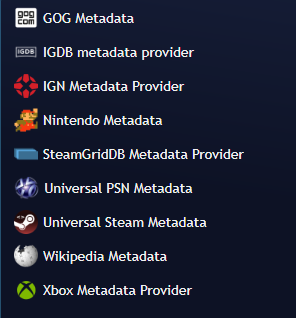
Under Browse > Metadata sources, find providers for game information and images.
Install the providers used by your libraries, including SteamGridDB for artwork. Their priority will be configured in the metadata step.