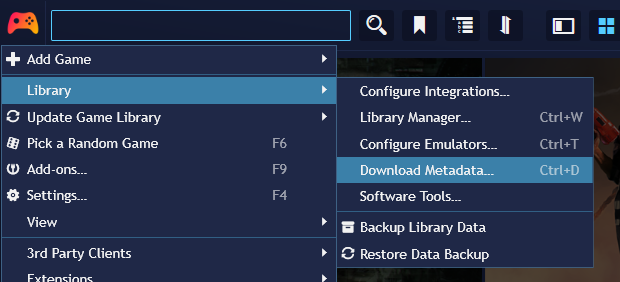
In Desktop mode, open Menu > Library > Download metadata.
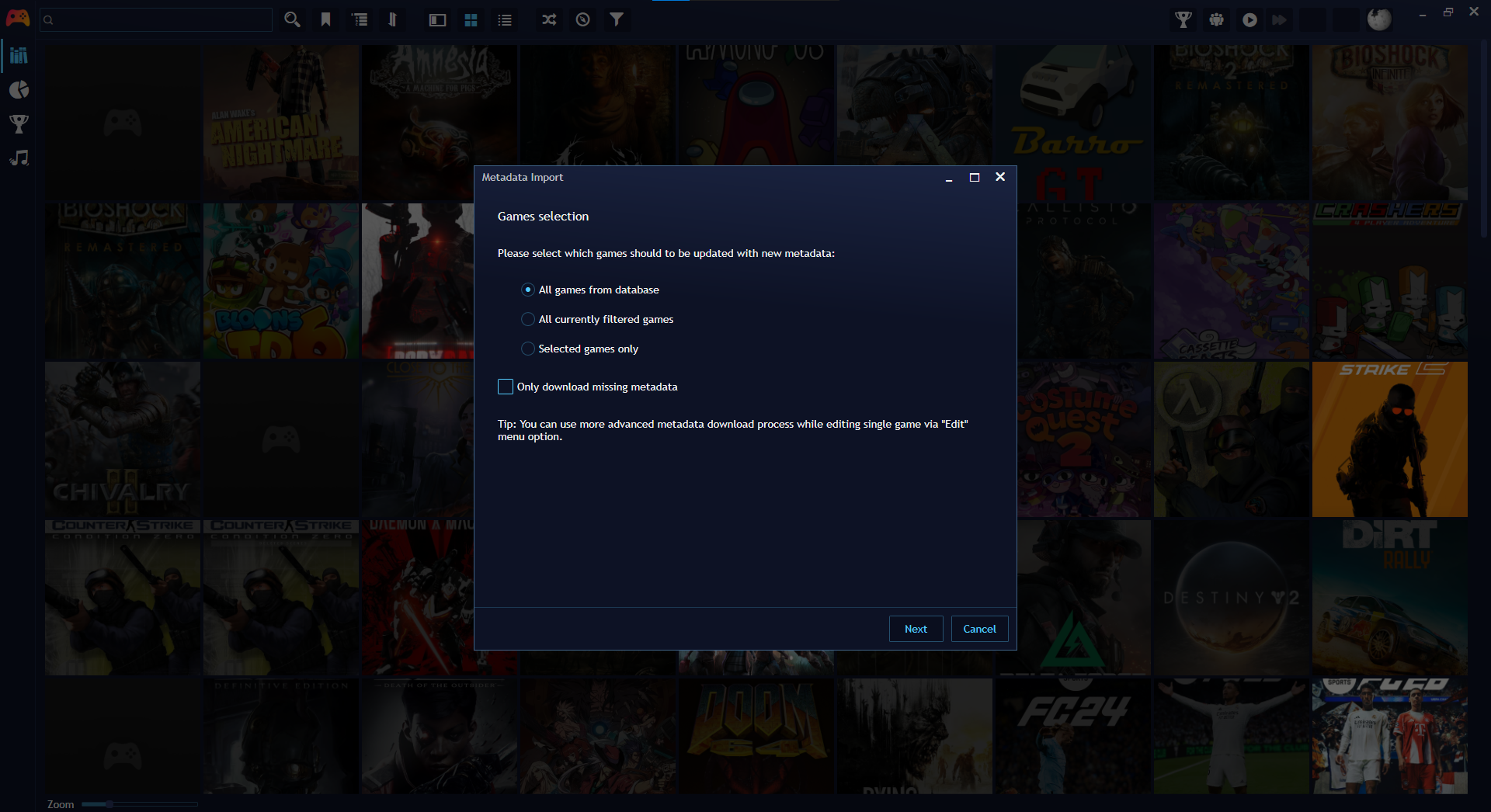
Choose the games and fields to download. Check before replacing artwork you have customized.
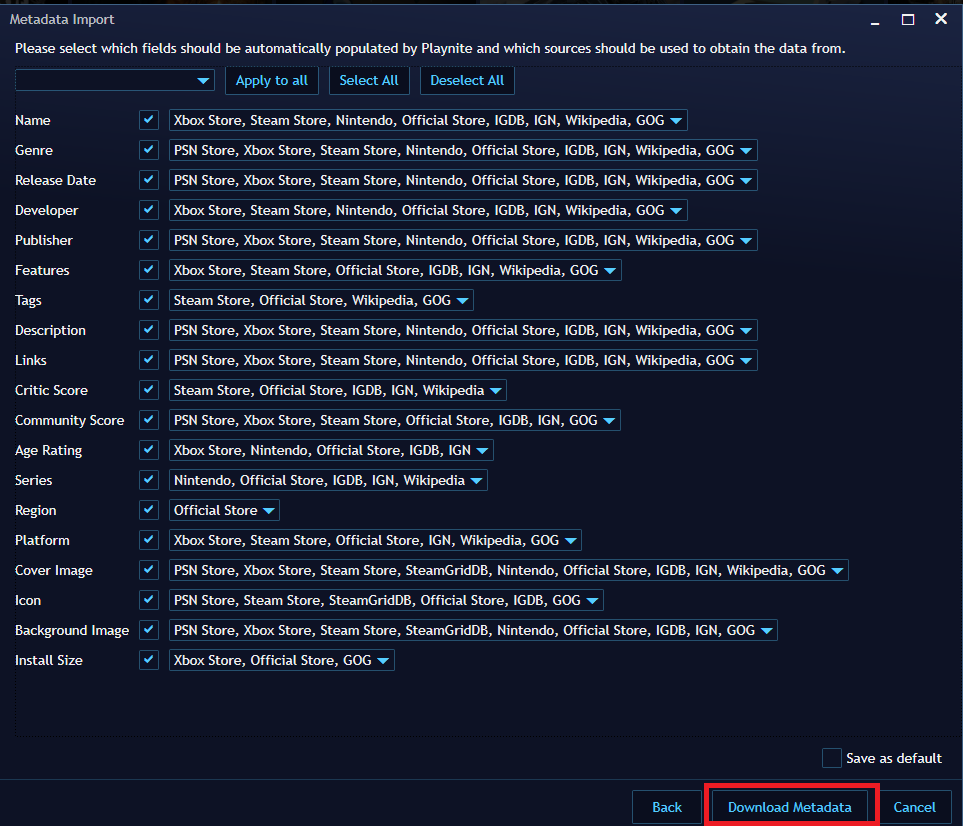
Review the selected providers. Use the sources installed and configured in the previous steps, then start the download.
Wait while Playnite downloads metadata and images. Duration depends on the number of games and providers.
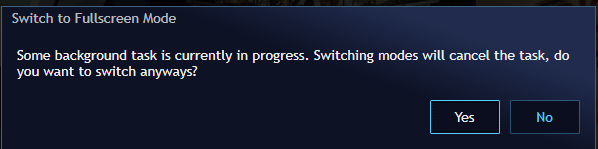
Switch to Fullscreen only after it finishes. If warned about background tasks, wait rather than canceling downloads.