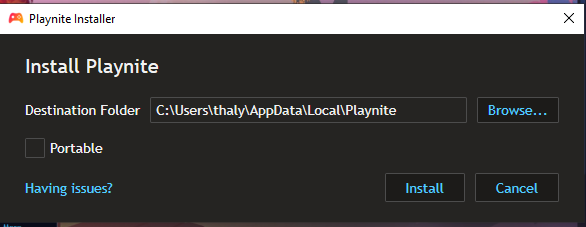
Run the installer and select a permanent folder. The screenshot uses a normal installation. Portable mode also works, but keeps its data in the selected Playnite folder. Open Desktop mode, connect the game libraries you use and let the initial import finish.
Before continuing
Desktop opens and your games appear in the library.