
5 / 20
Configure artwork and metadata
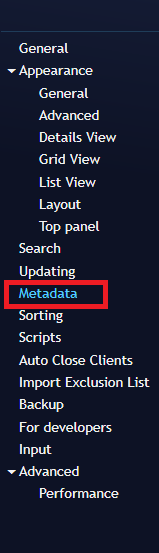
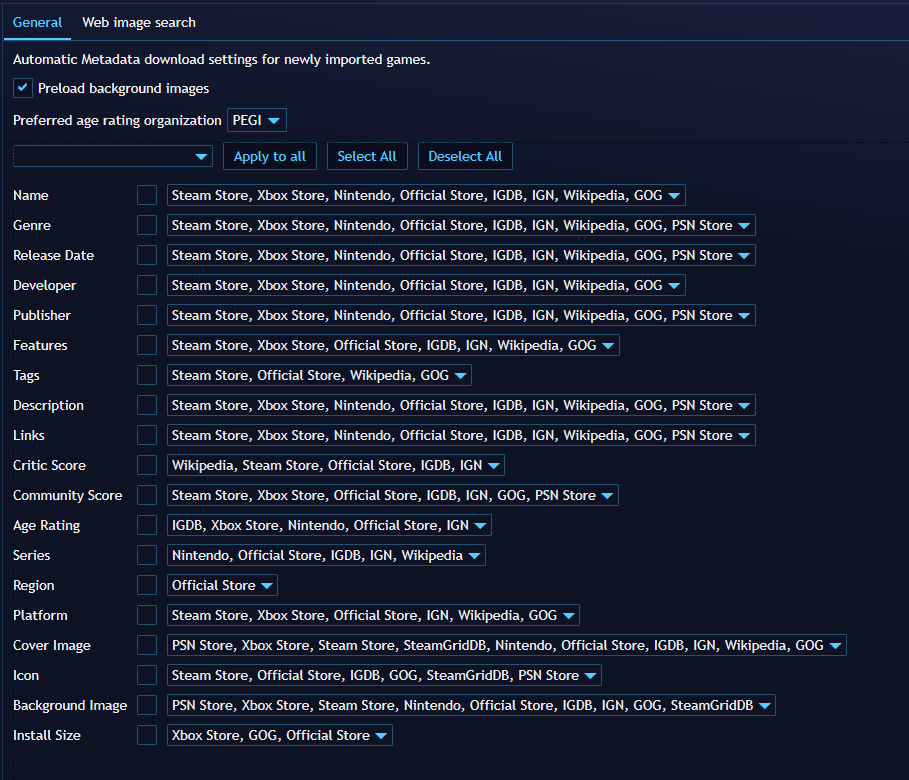
Open Menu > Settings (F4) > Metadata.
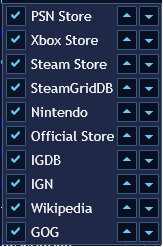
Review providers for each field, including name, description, cover and background. Use the illustrated order as the recommended reference.
Open a field’s provider list and use the arrows to reorder it. Sources at the top take priority; select only providers you intend to use.
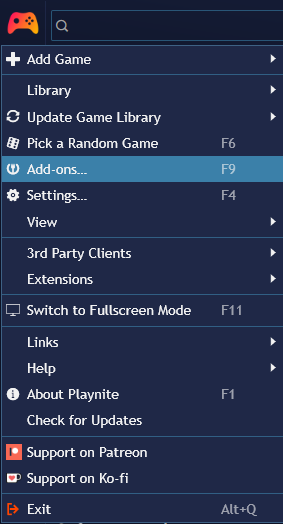
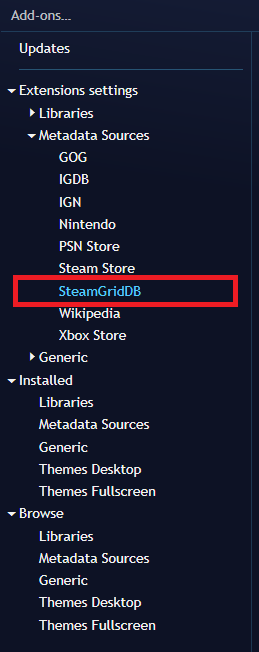
Open Menu > Add-ons (F9) to configure the artwork provider.
Open Extension settings > Metadata sources > SteamGridDB.
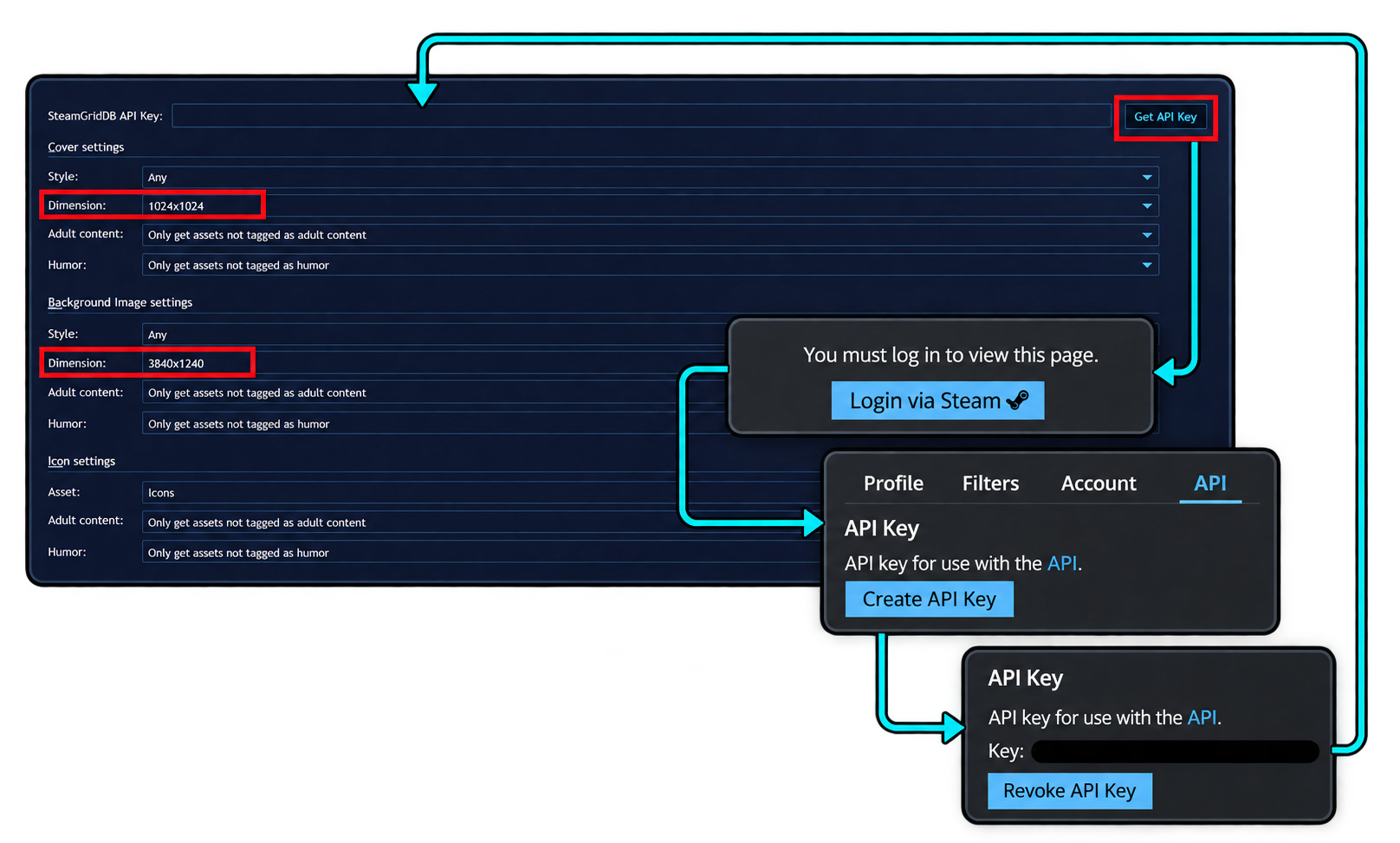
Choose Get API Key, use Login via Steam, then API > Create API Key. Paste your SteamGridDB key into the provider. Set Cover: 1024×1024 and Background: 3840×1240, as highlighted. Keep the key private; it is not a Steam Web API key. Save.