Your shortcuts, always close
Open the Hub to reach Home, your library and recent games. Its tabs bring system, profile and friends options together.
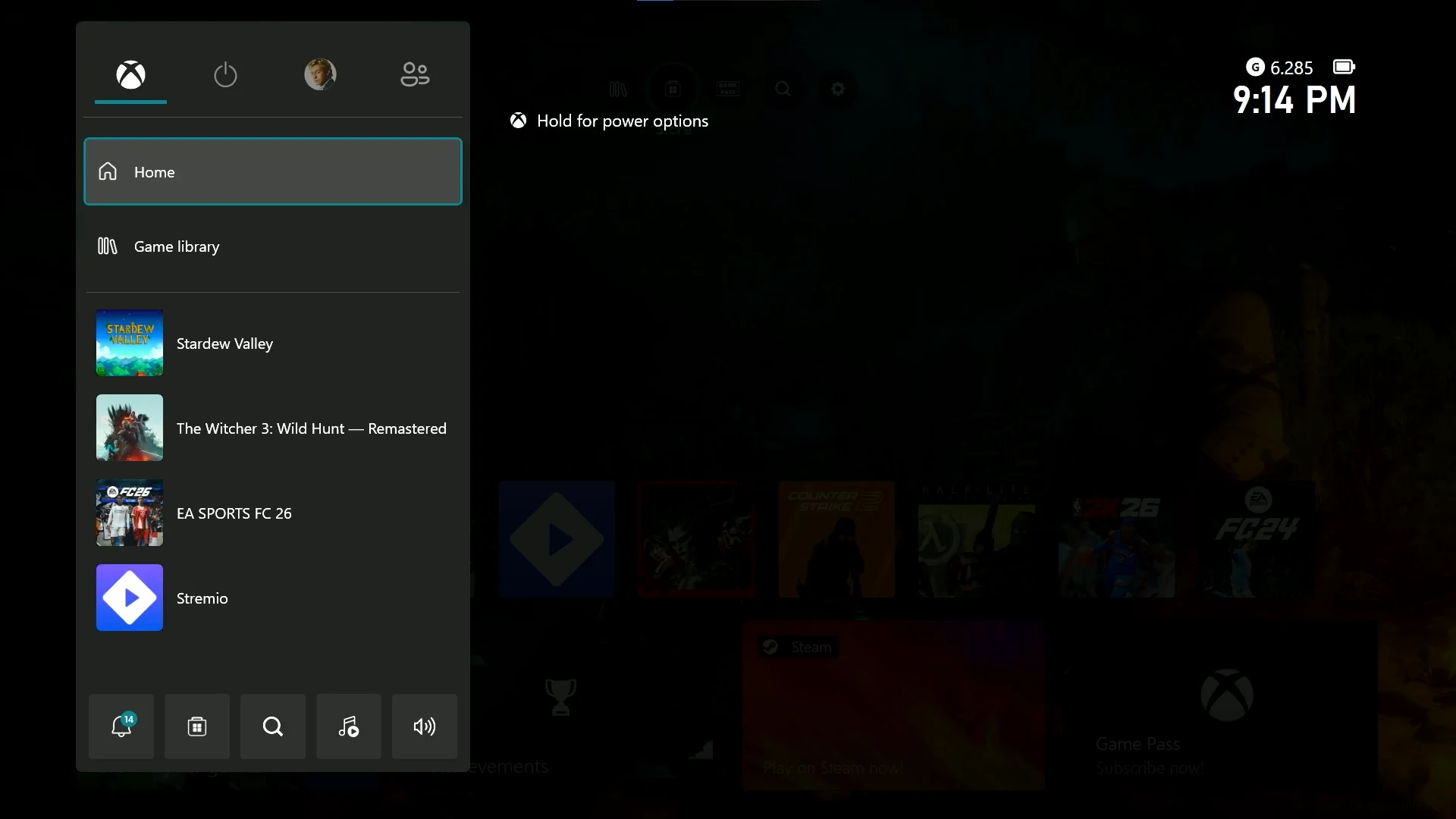
Jump back into your collection
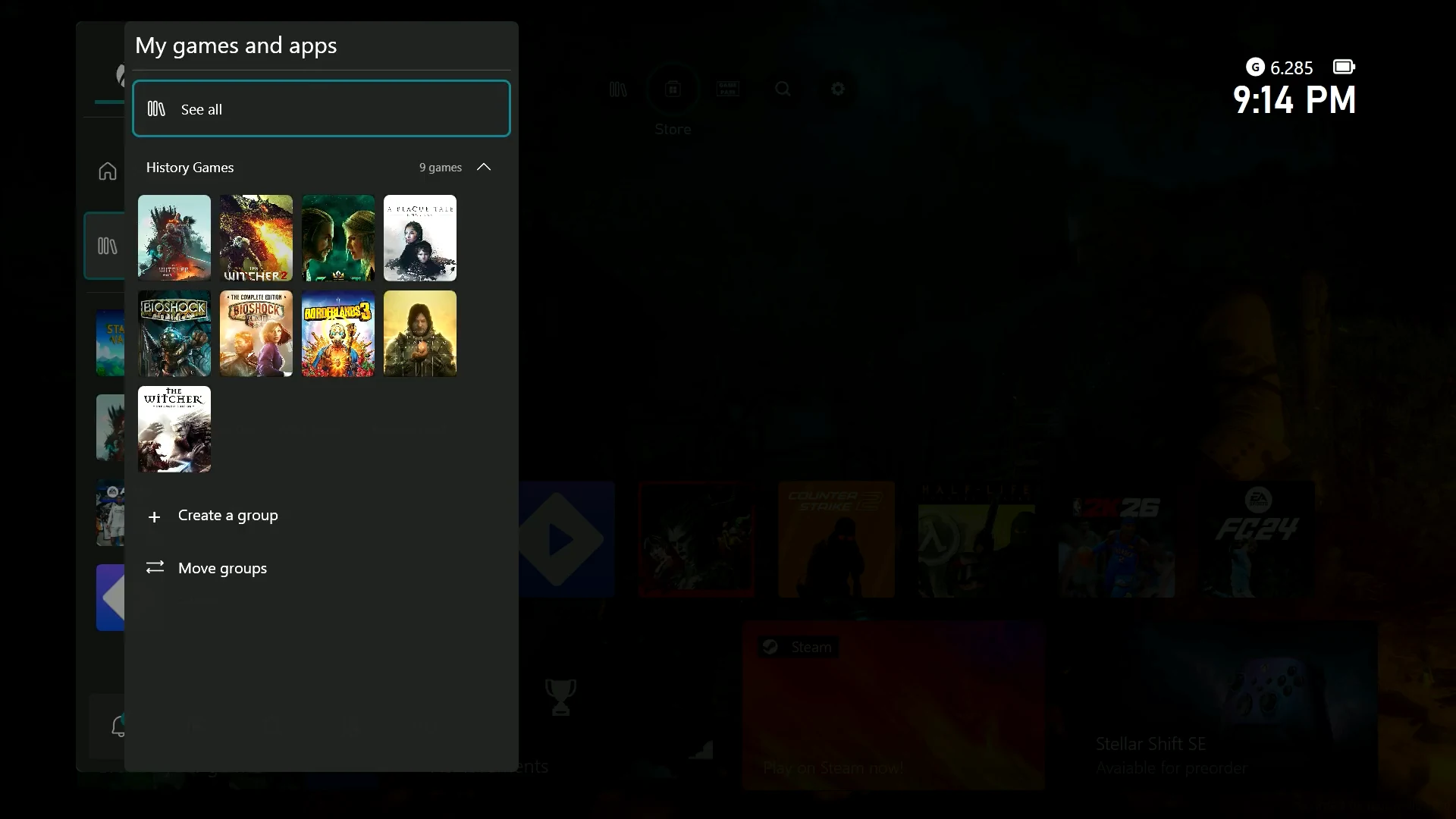
My games and apps brings your groups into a compact panel. Open a game, create a group or move groups from the available actions.
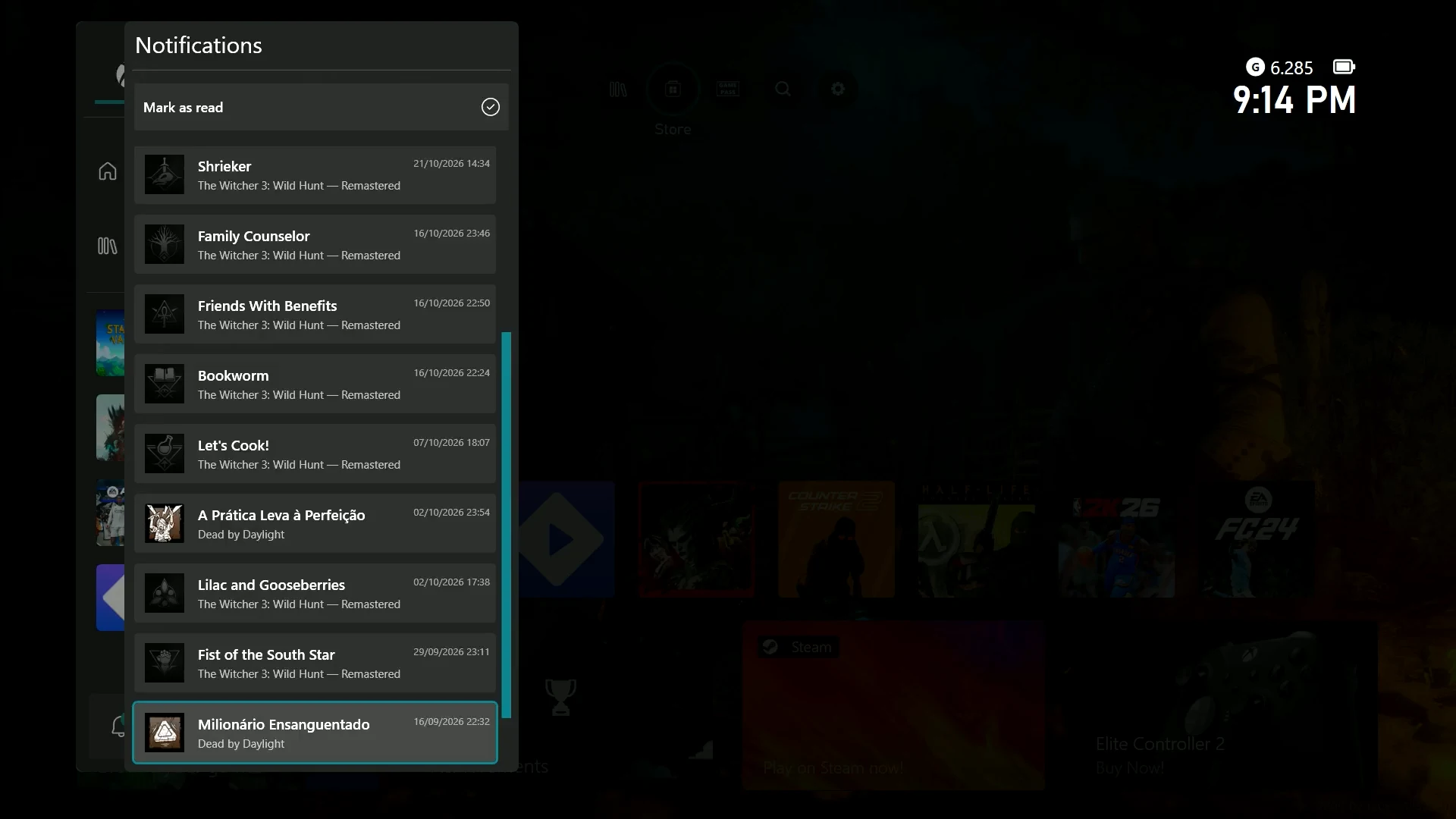
Catch up on your notifications
Browse recent notifications in the Hub and use Mark as read to clear the unread indicators.
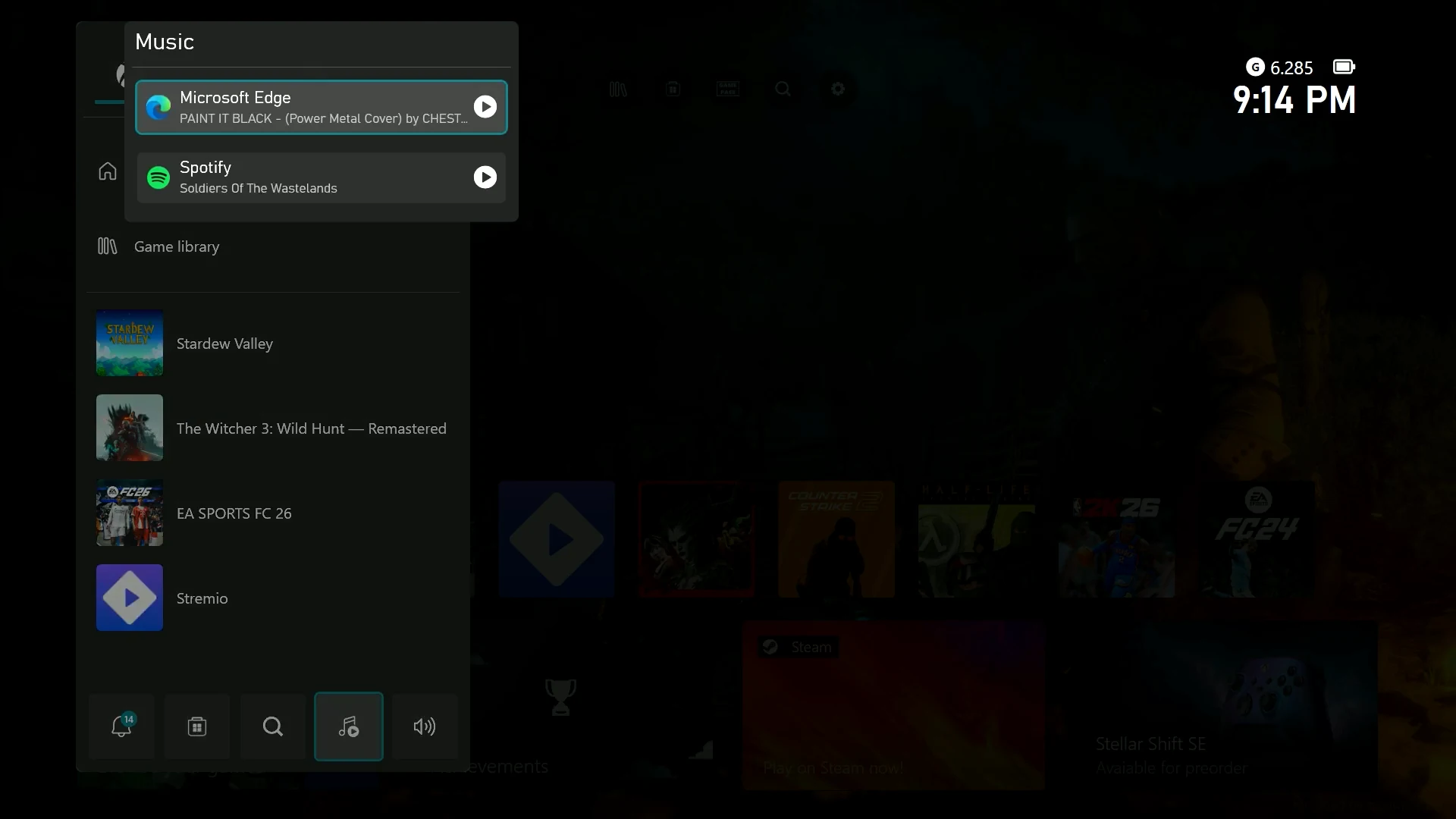
Control what is playing
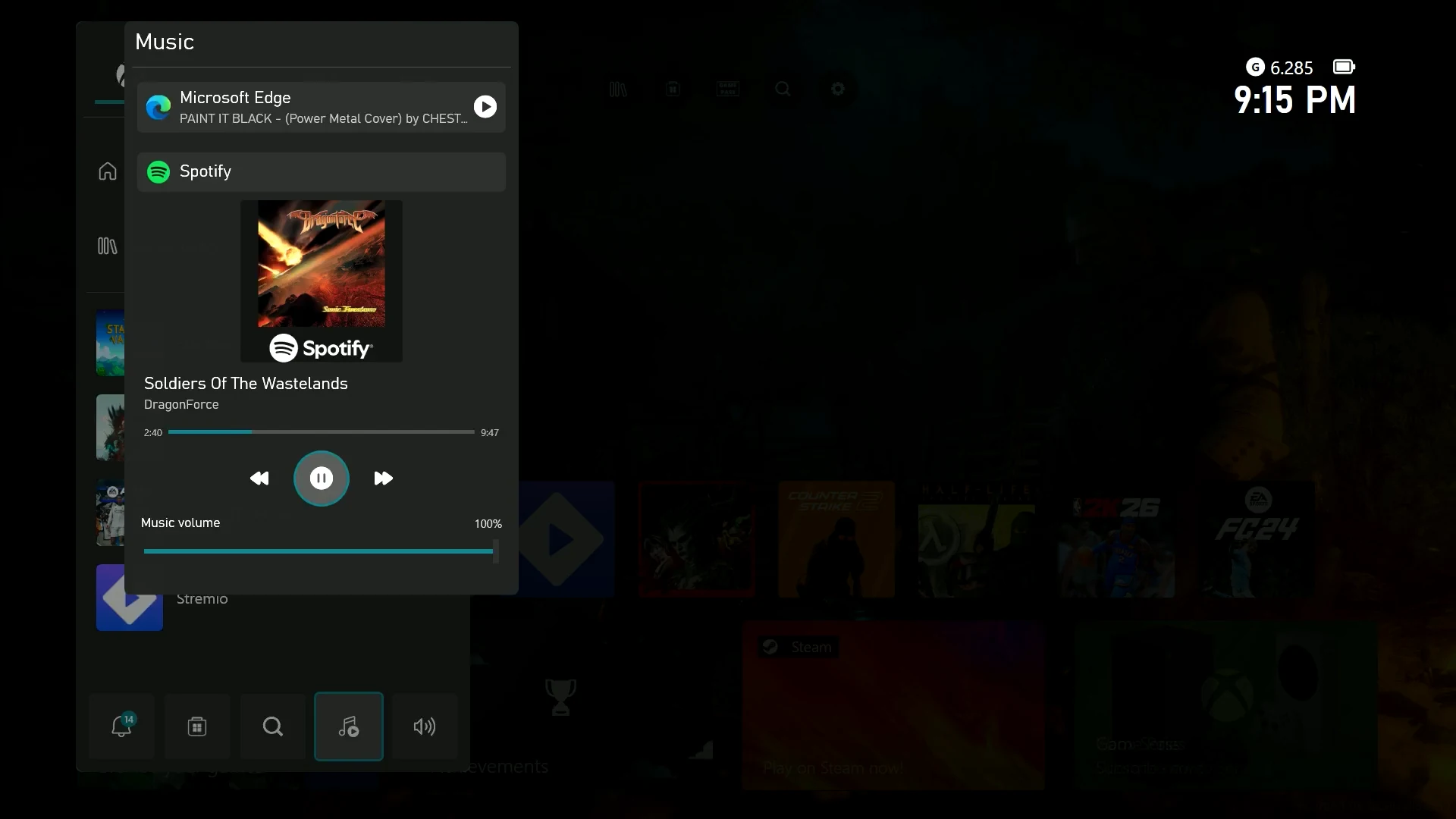
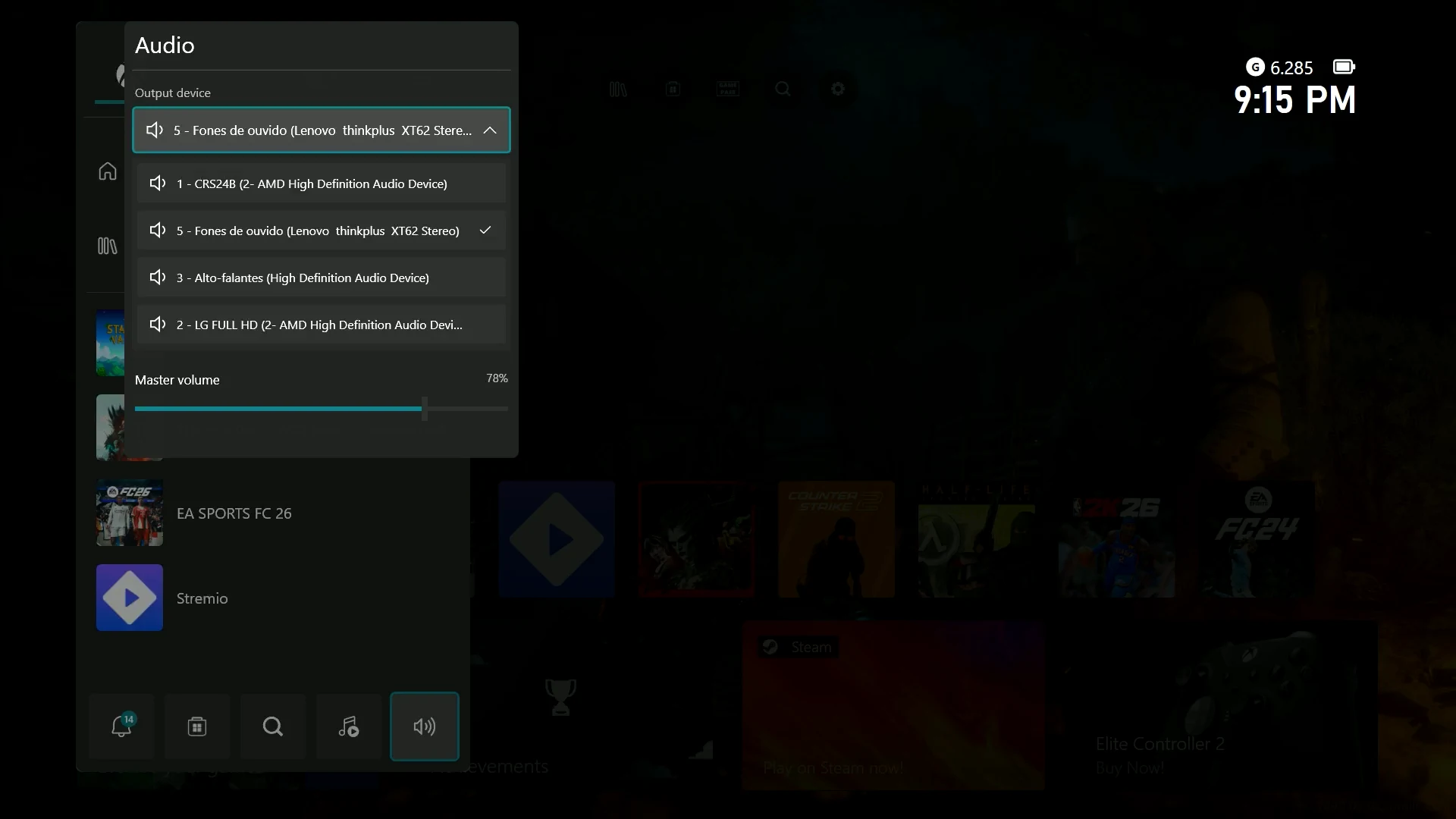
Choose an available media session to inspect playback and music volume. In Audio, select an output device and adjust the master volume. Available sessions and controls depend on the application.
System actions within reach
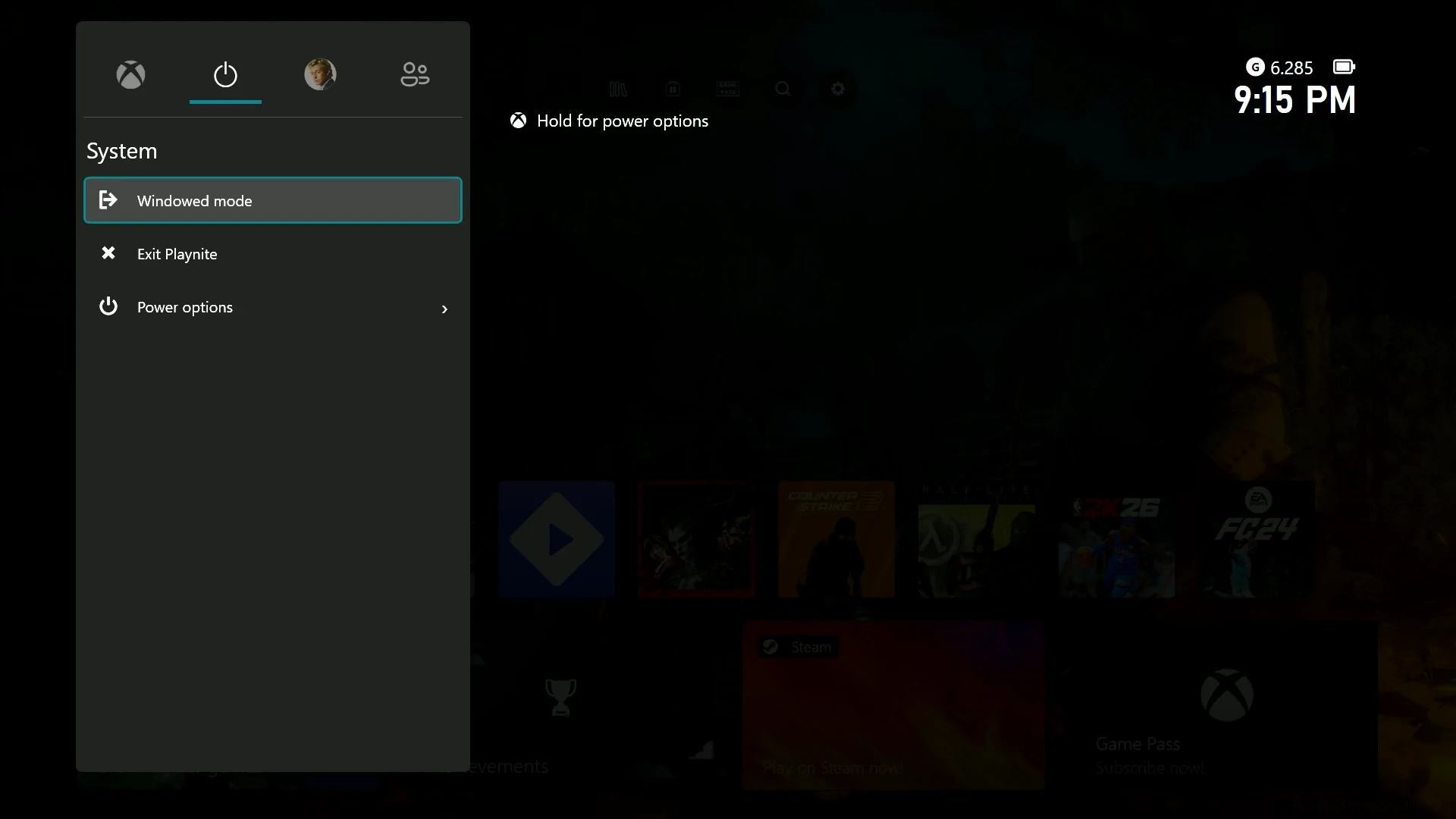
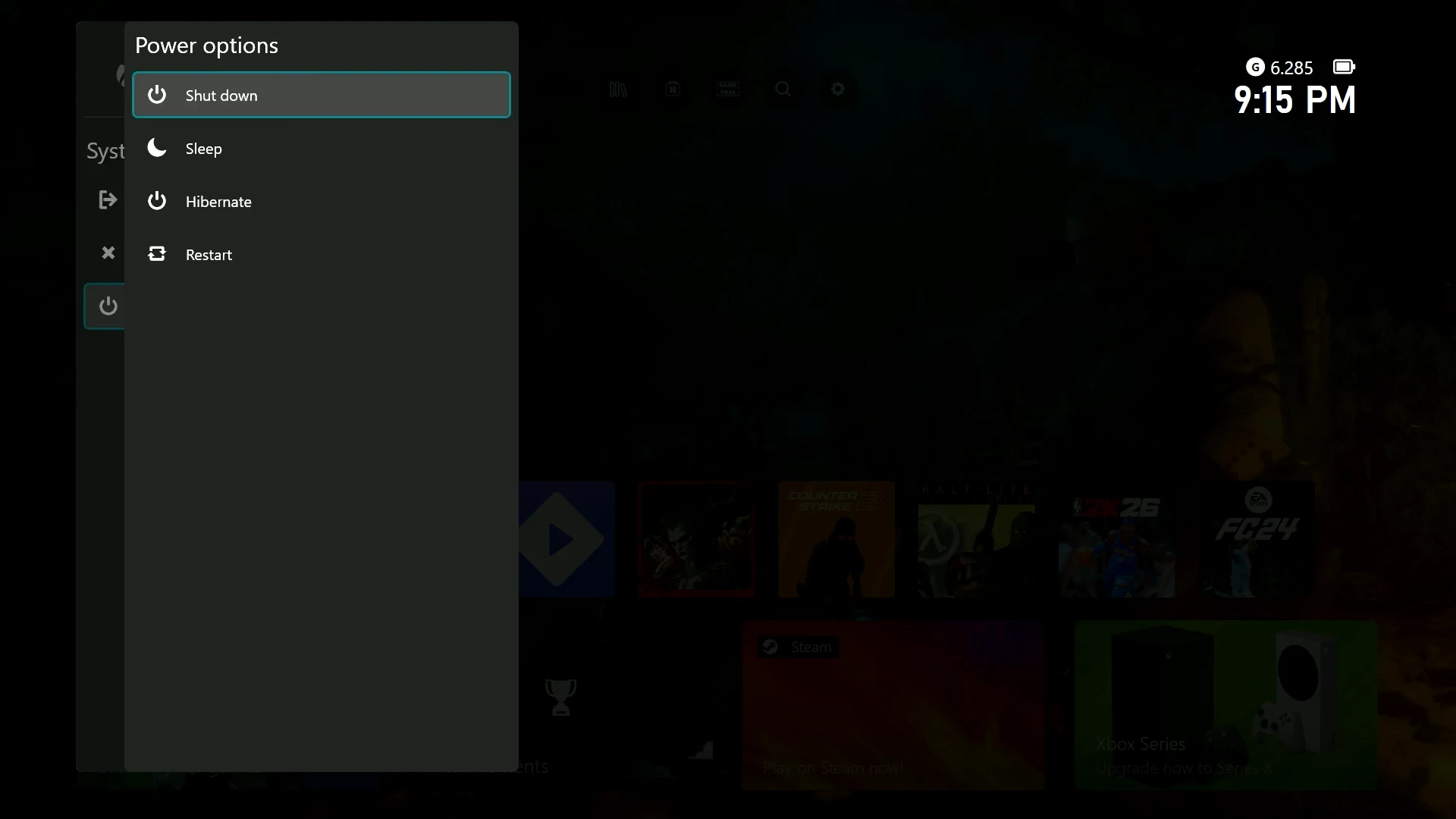
The System tab includes windowed mode, exiting Playnite and power options. Open the power panel to choose an action when you need it.
Make the guide work for you
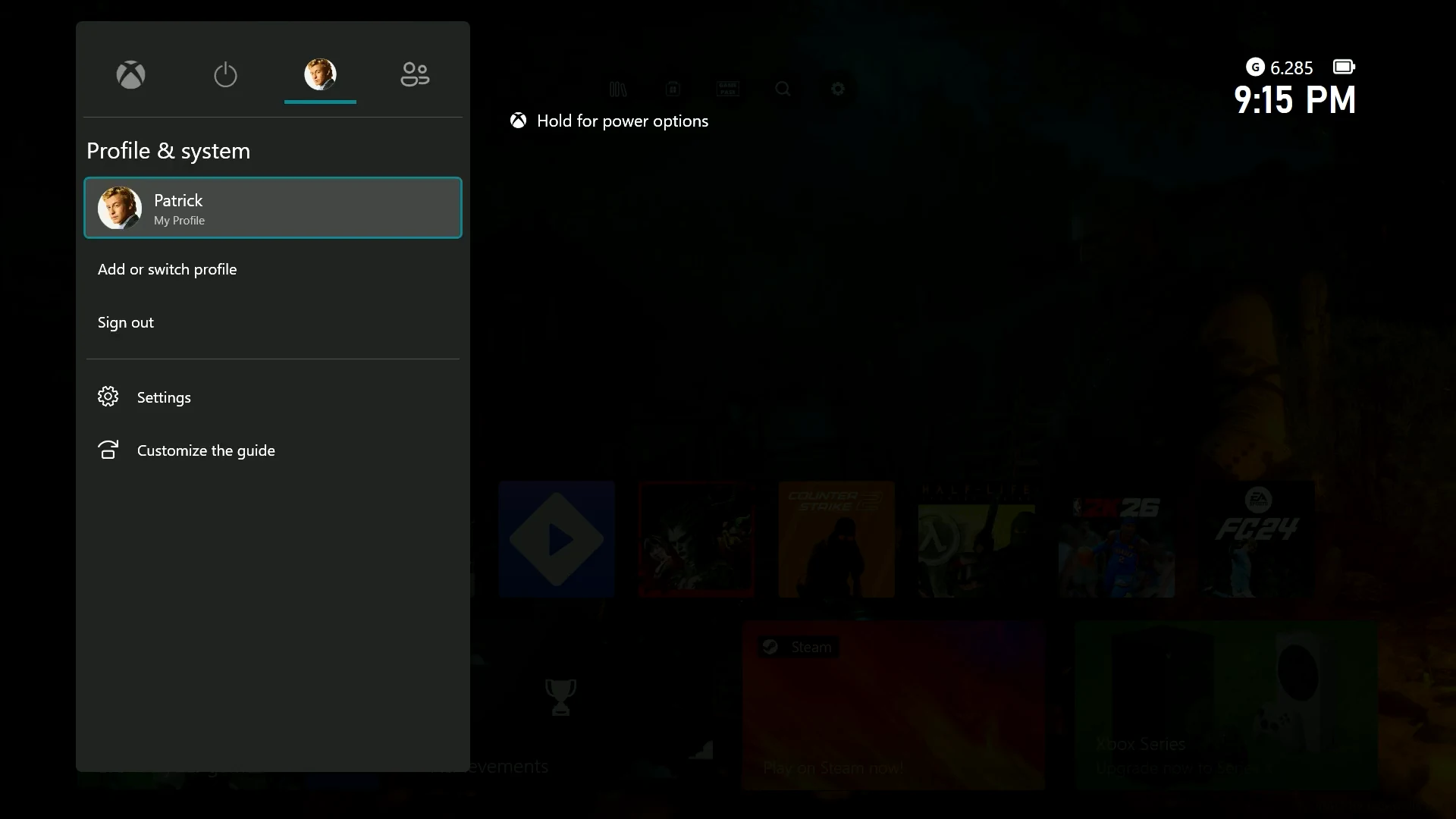
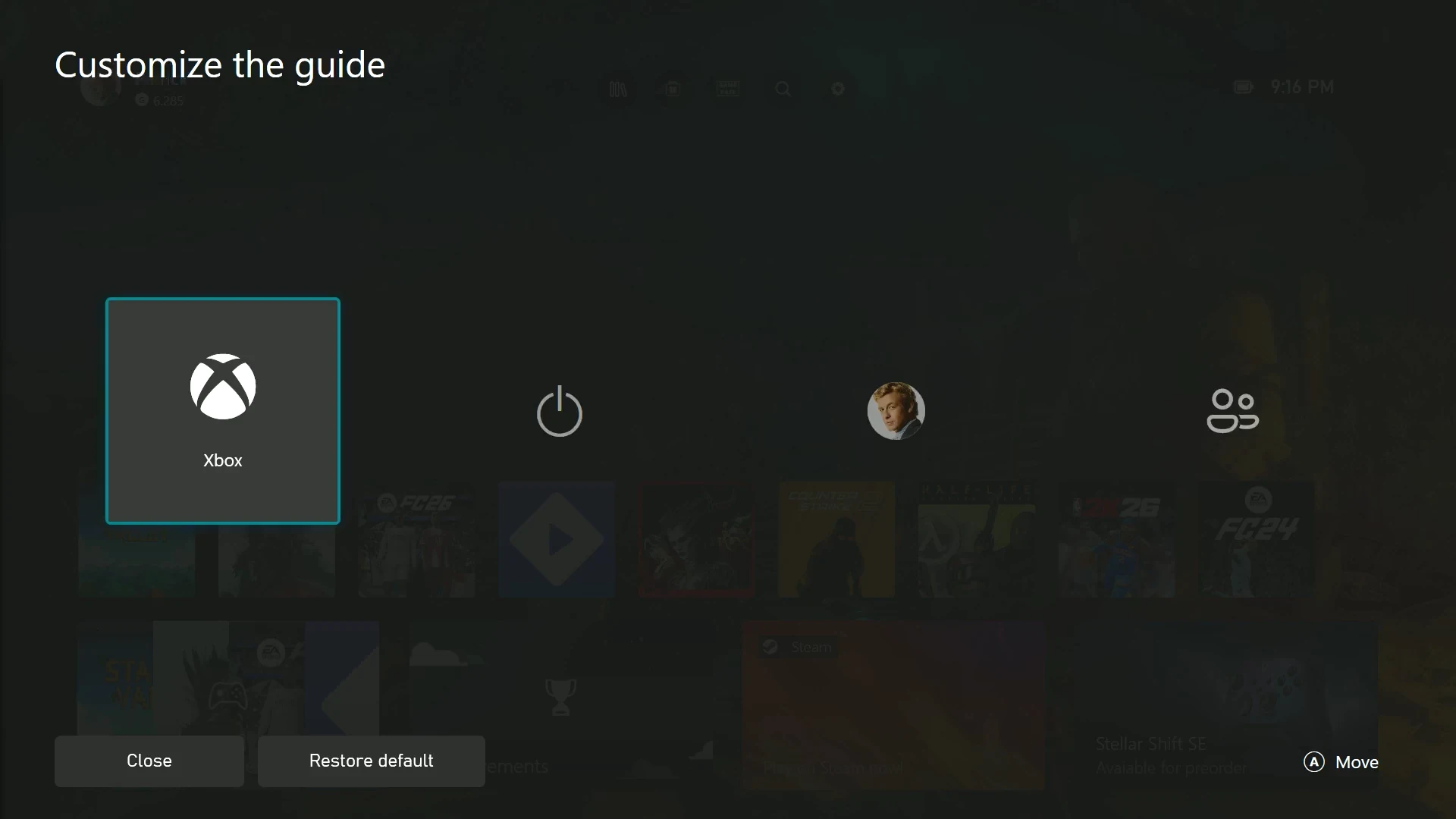
Profile and system gives access to your profile, profile switching and settings. Customize the guide lets you rearrange its tabs or restore the default order.
See who is around
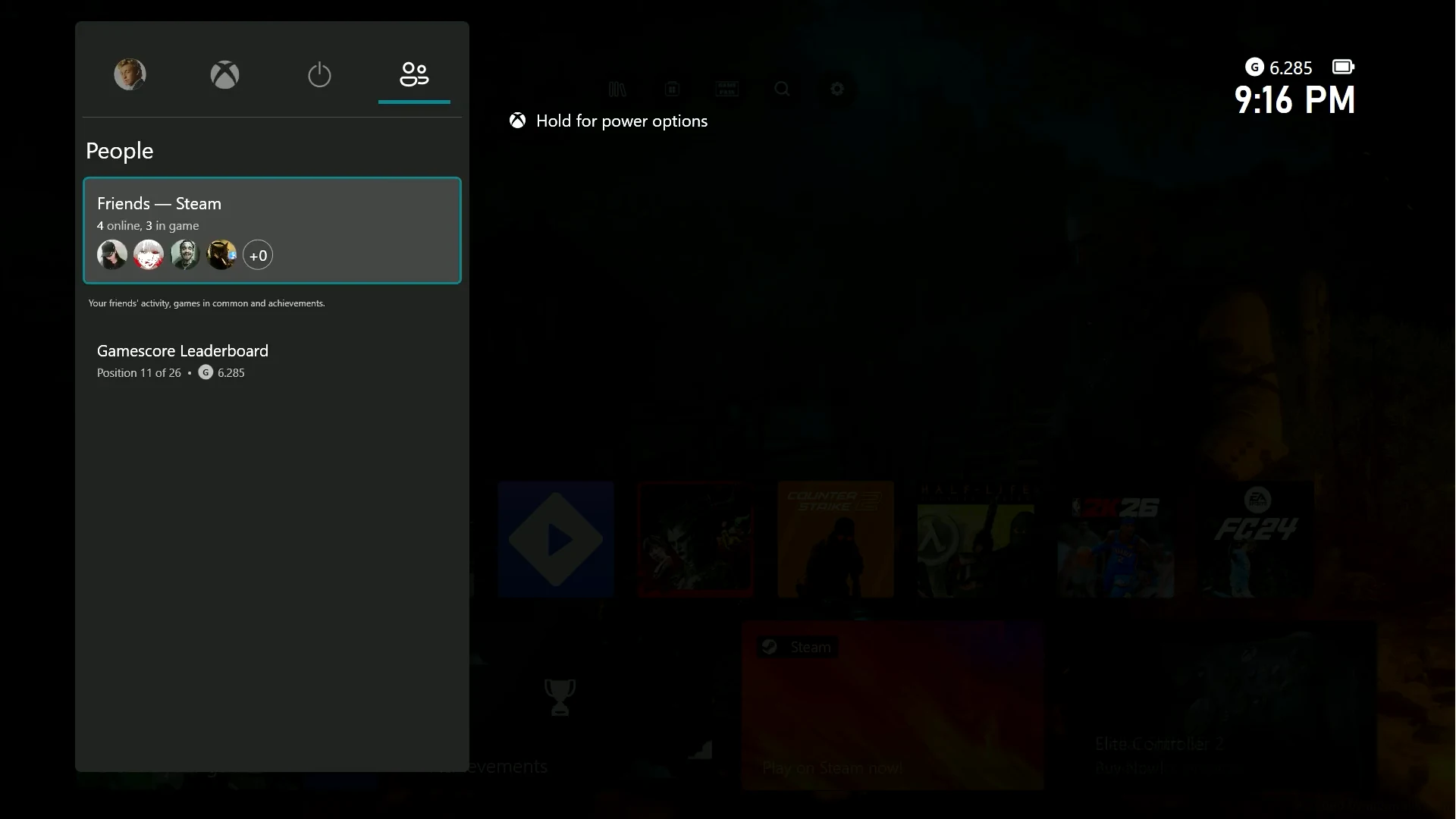
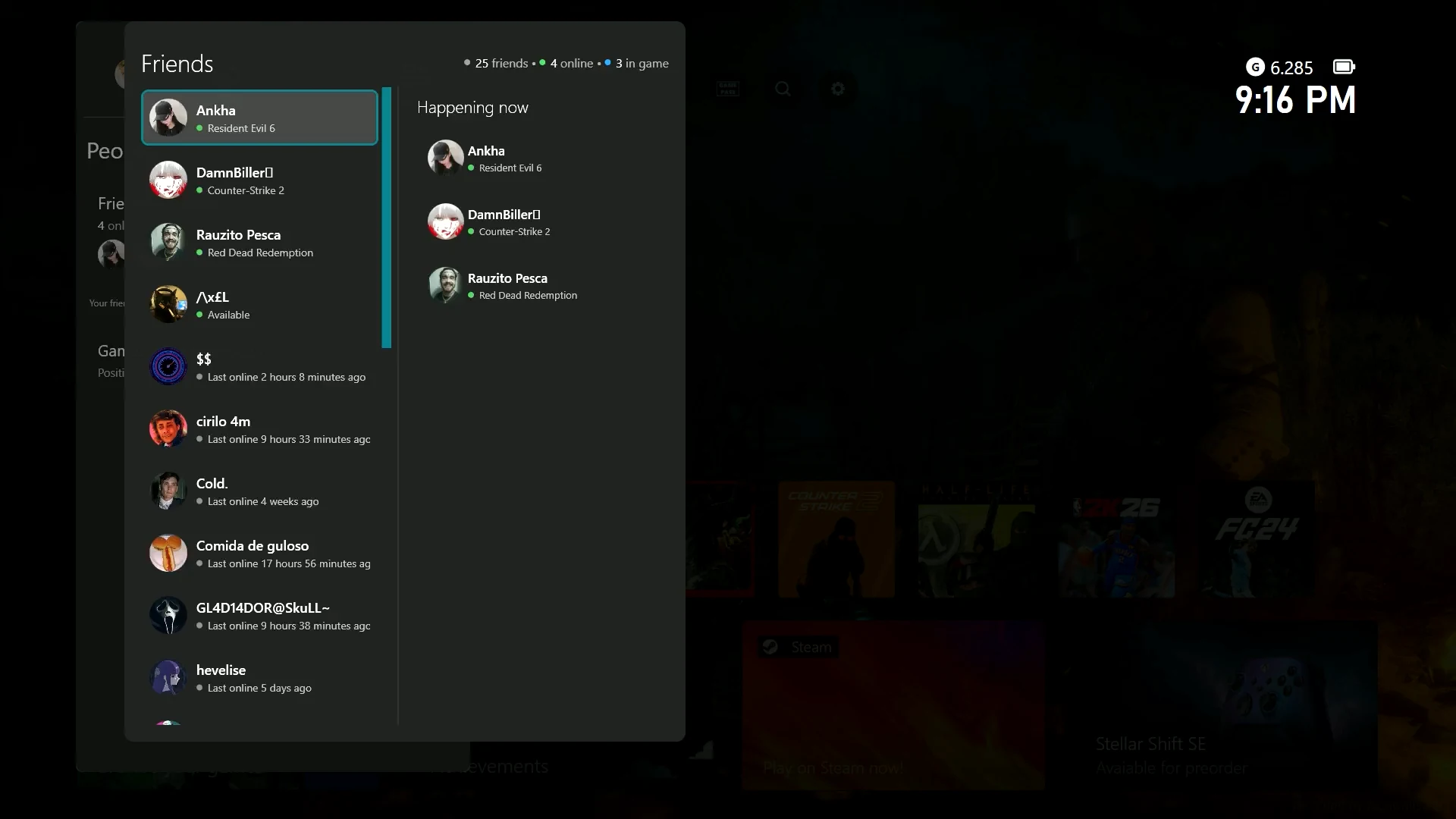
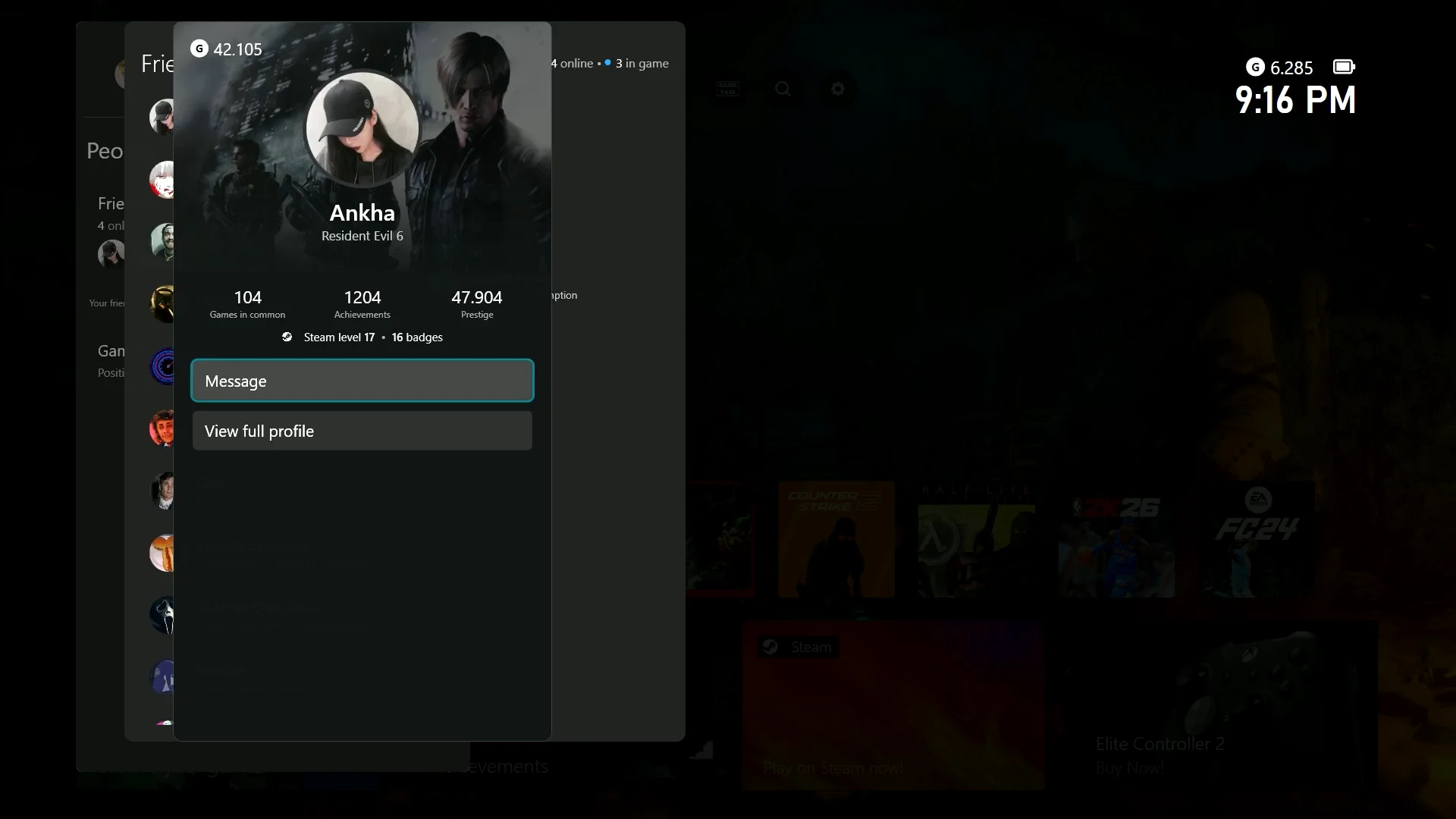
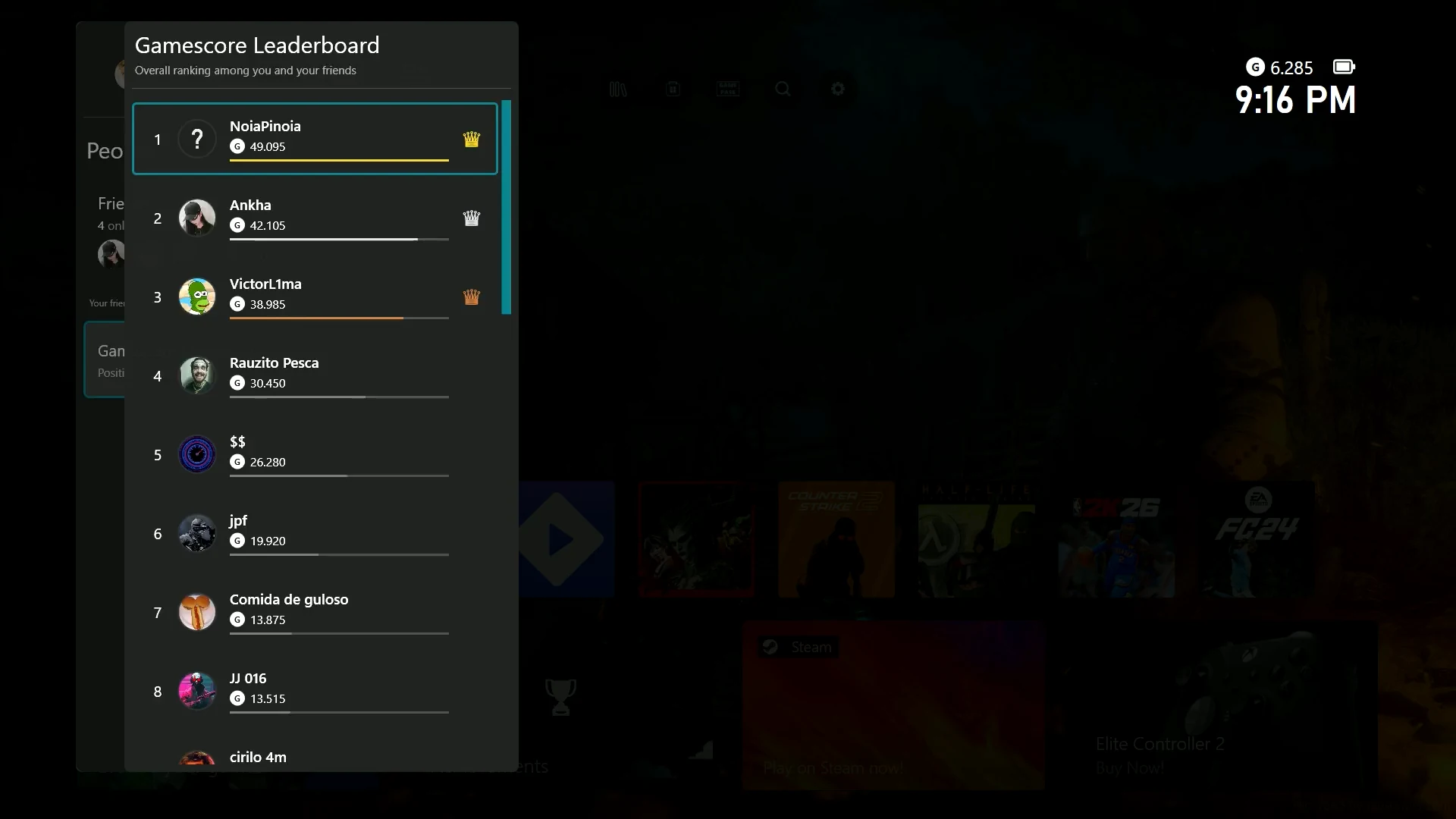
Open People for a quick friends summary, then browse the list for status and current activity. A mini profile gives quick information and a route to the full profile. The Gamescore leaderboard is available here too.